

10 Best Tools to Check If a Website Is Safe [2026]



Key Takeaways
- Scams Look Legit Now: Fake stores and phishing pages often look just like real brands, with polished designs, real-looking reviews, and working checkout pages.
- Reputation Checks Aren’t Enough: Many free tools only flag sites after others report them, which means brand-new scam sites can slip through easily.
- Real-Time Protection Matters: The safest tools actively block dangerous sites, ads, and downloads before you log in or enter payment details.
- Links Are a Major Risk: Phishing links in emails, texts, ads, and social media are one of the most common ways people get tricked today.
- All-in-One Tools Work Best: Solutions that cover browsing, ads, messages, across both mobile and desktop devices give stronger protection than one-off URL scanners.
Fake websites now use professional product photos, copied brand logos, realistic reviews, and even fully functional checkout pages. Phishing sites closely imitate Google, Amazon, banks, and payment apps, while malicious ads appear directly in Google search results, Instagram feeds, and YouTube banners, often looking more legitimate than the real links they imitate.
Scams are no longer easy to spot, and “just being careful” is no longer enough. Most people don’t get compromised by clicking random links. They get tricked because a site looks authentic, loads securely, and behaves like a real business right up to the moment they enter their password or payment details.
That’s why website safety today isn’t about checking a URL after something feels off. It’s about having tools that actively verify whether a website is safe before you click, log in, or pay across shopping sites, ads, emails, text messages, and social media links across desktop and mobile browsing.
10 Best Tools to Check If a Website Is Safe in 2026
In 2026, the best tools to check if a website is safe go beyond simple URL lookups. They analyze live behavior, hidden scripts, domain history, scam patterns, and where links actually lead across websites, ads, emails, messages, and social media. Below is a practical list of the most reliable website safety tools available today, with what each tool does best and where its limits are:
1. Guardio
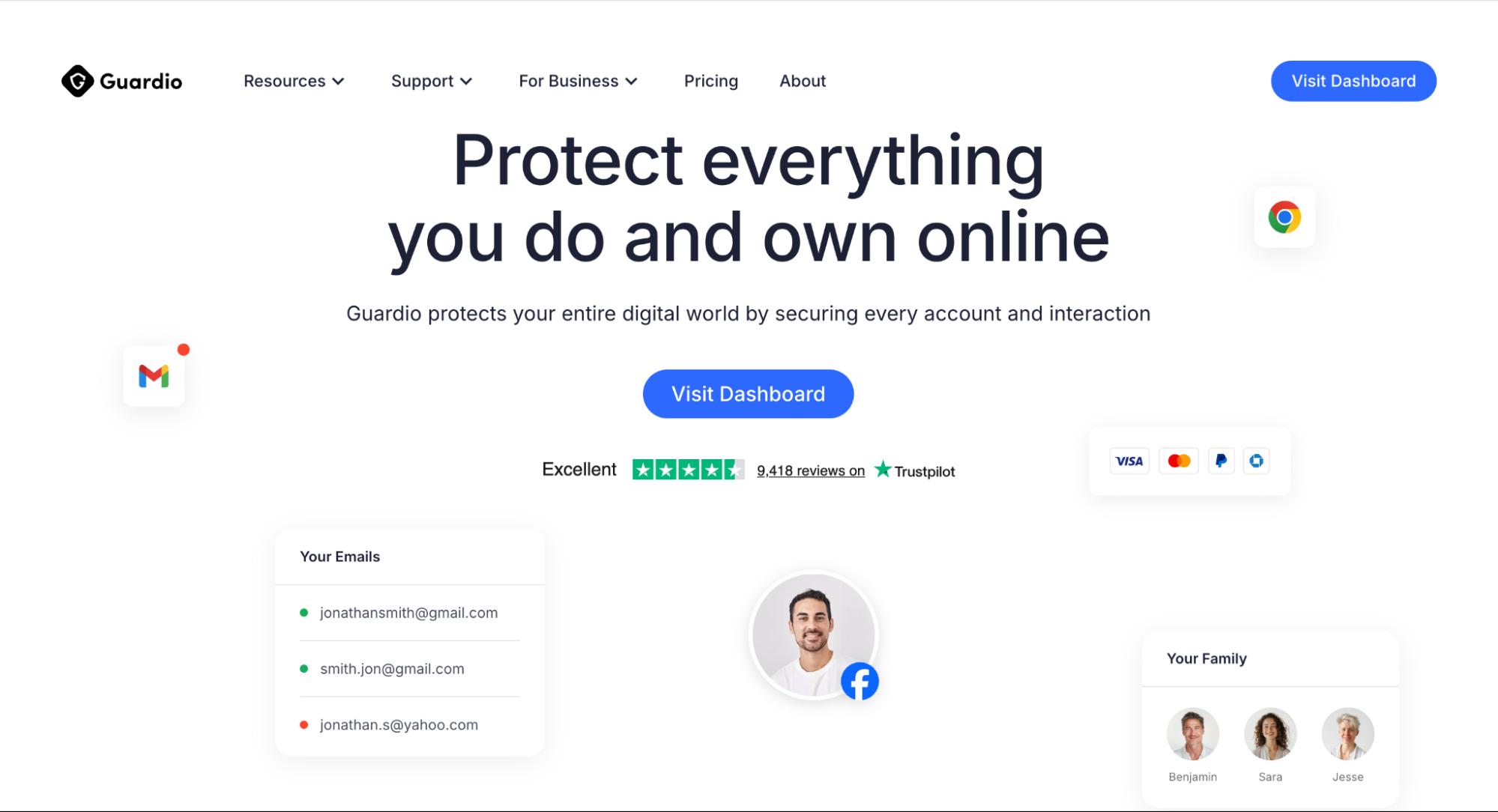
Guardio focuses on preventing harm before users interact with unsafe websites. It combines real-time blocking of scam pages, phishing links, and malicious downloads with alerts for identity risks and data exposure. Guardio also helps identify risky extensions, malicious scripts, and unsafe site behavior while continuously monitoring for identity risks and data exposure tied to online activity.
Instead of just stopping threats, it shows users which accounts, settings, or connections need attention, helping them fix weak points before attackers exploit them. With protection that spans devices and common online entry points, it’s designed for proactive, everyday internet safety rather than manual URL checks after something feels wrong.
2. browser security tools
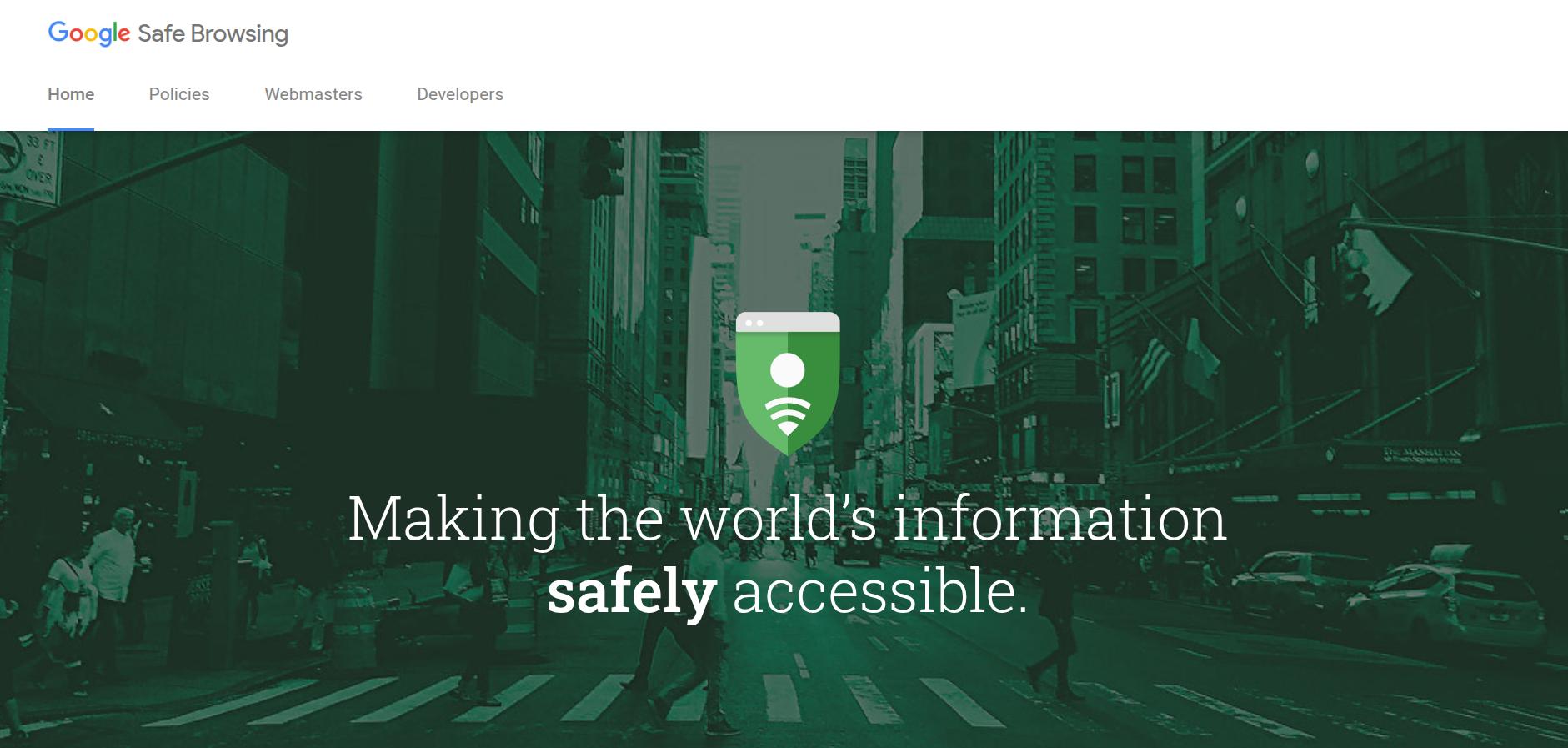
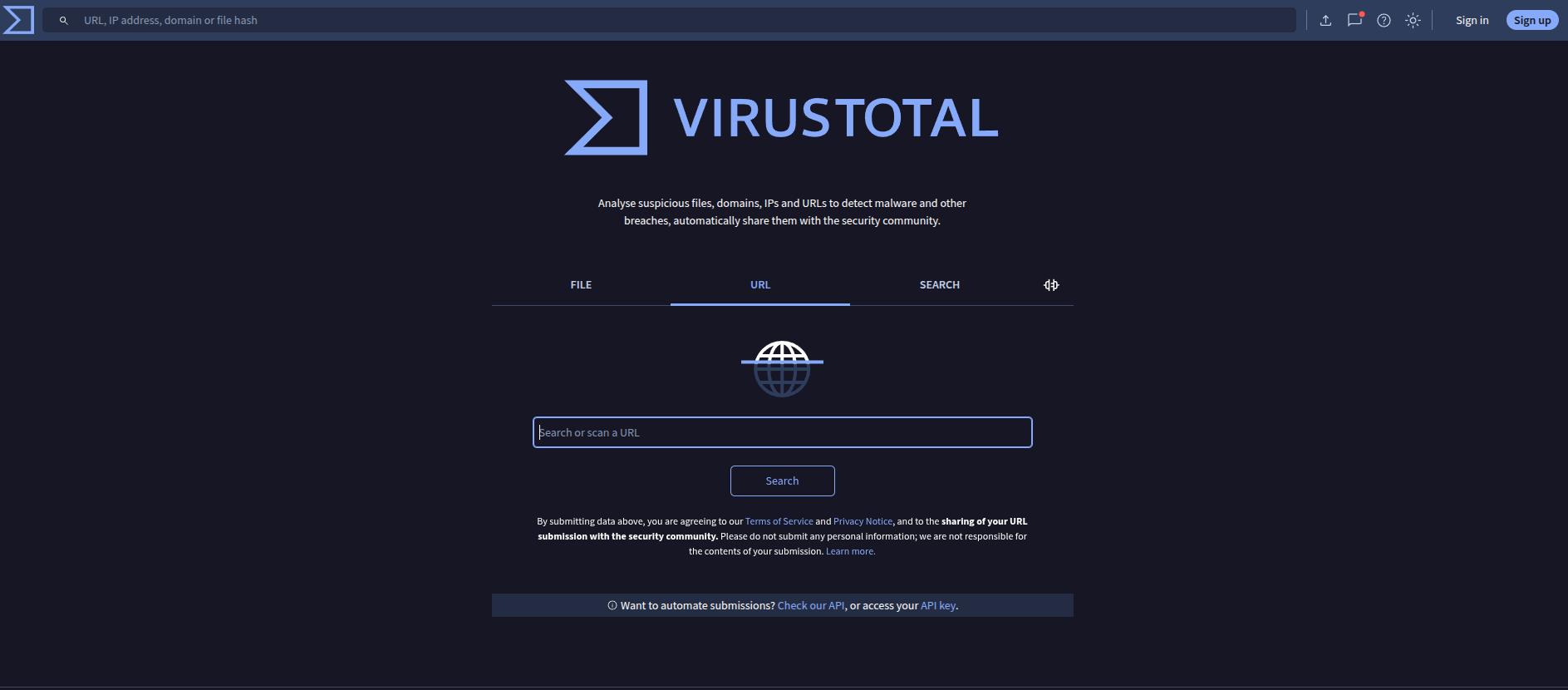
VirusTotal allows users to scan a website URL against dozens of antivirus engines and threat intelligence providers at once. It’s popular among security researchers and technical users because it shows which engines flag a site and why. VirusTotal is useful for manual investigation and deeper analysis, but it’s not designed for everyday browsing protection. It doesn’t block sites in real time and requires users to proactively submit links before visiting them.
4. Norton Safe Web
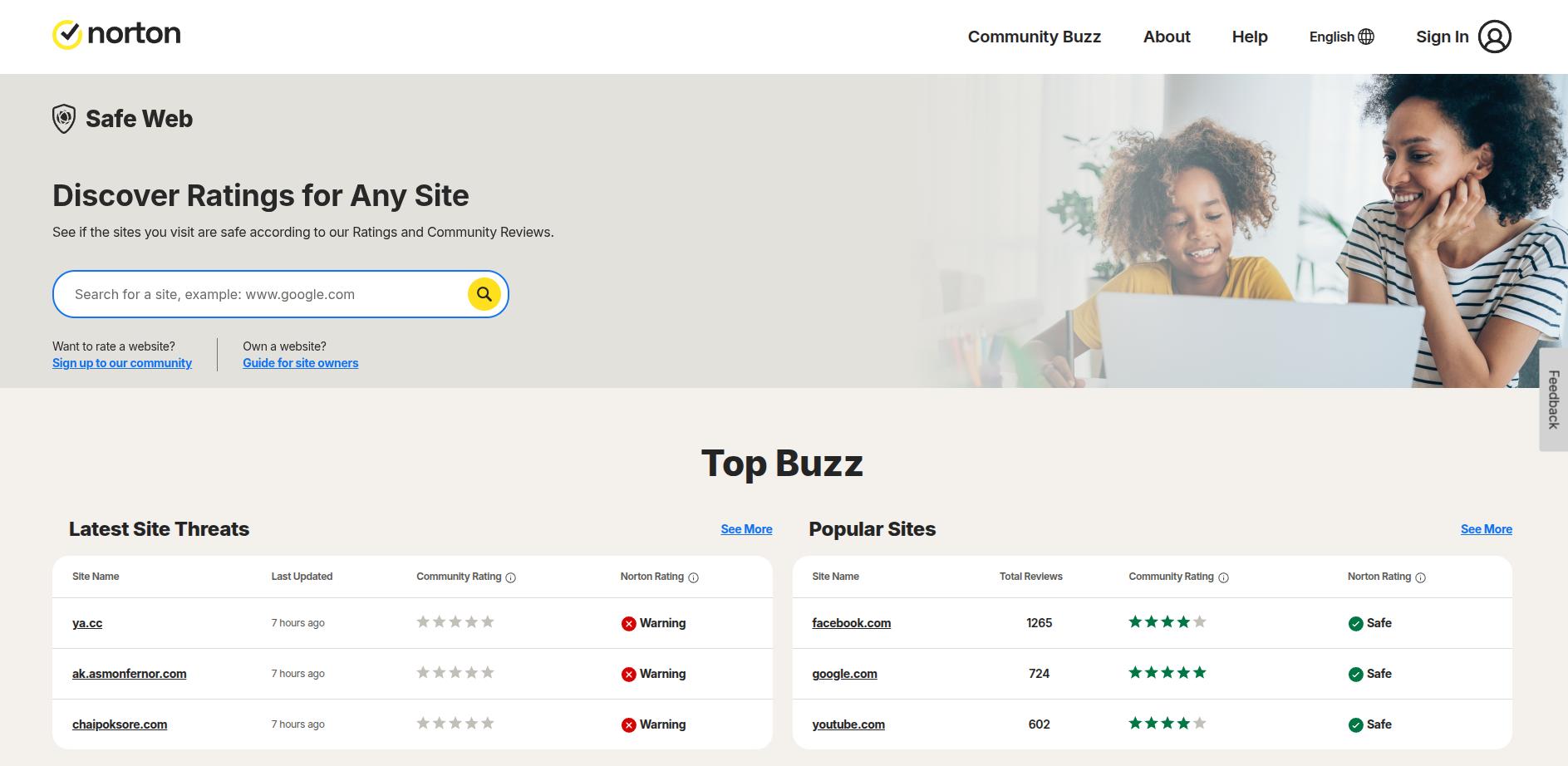
Norton Safe Web evaluates websites based on threat reports, automated analysis, and user feedback. It highlights risks such as malware distribution, phishing attempts, and suspicious behavior, and integrates well with Norton’s broader security products. The tool works best for checking a site’s reputation before visiting, especially for shopping or downloads. However, like many reputation-based systems, its effectiveness depends on how quickly new threats are discovered and added to its database.
5. Trend Micro Site Safety Center
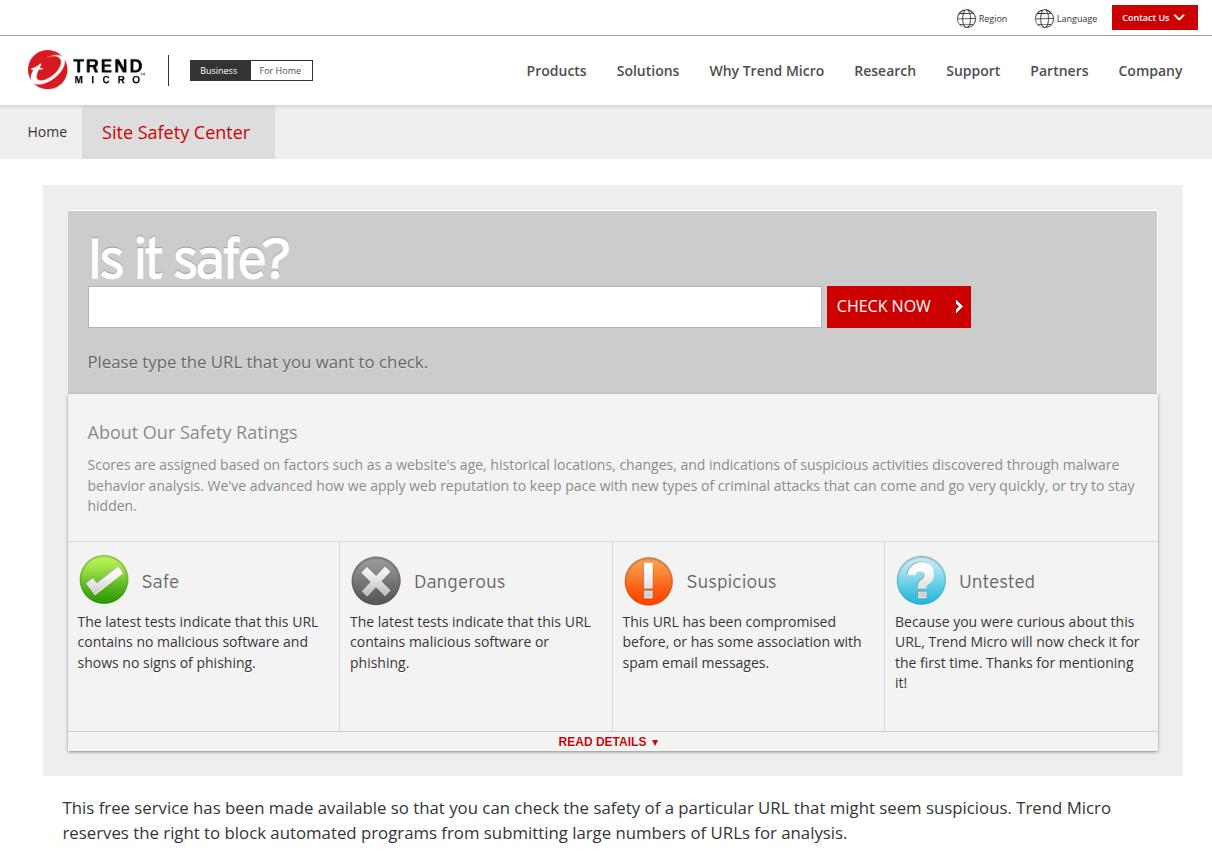
Trend Micro’s Site Safety Center provides website reputation scores by analyzing malware activity, phishing behavior, and scam indicators. It’s backed by Trend Micro’s global threat research and is often used as a quick way to assess whether a site is trustworthy. It is useful for manual URL checks, but it’s primarily reactive. It may not detect newly launched scam sites or malicious ads until they’ve already been reported and analyzed.
6. Kaspersky Threat Intelligence Portal (URL Scan)
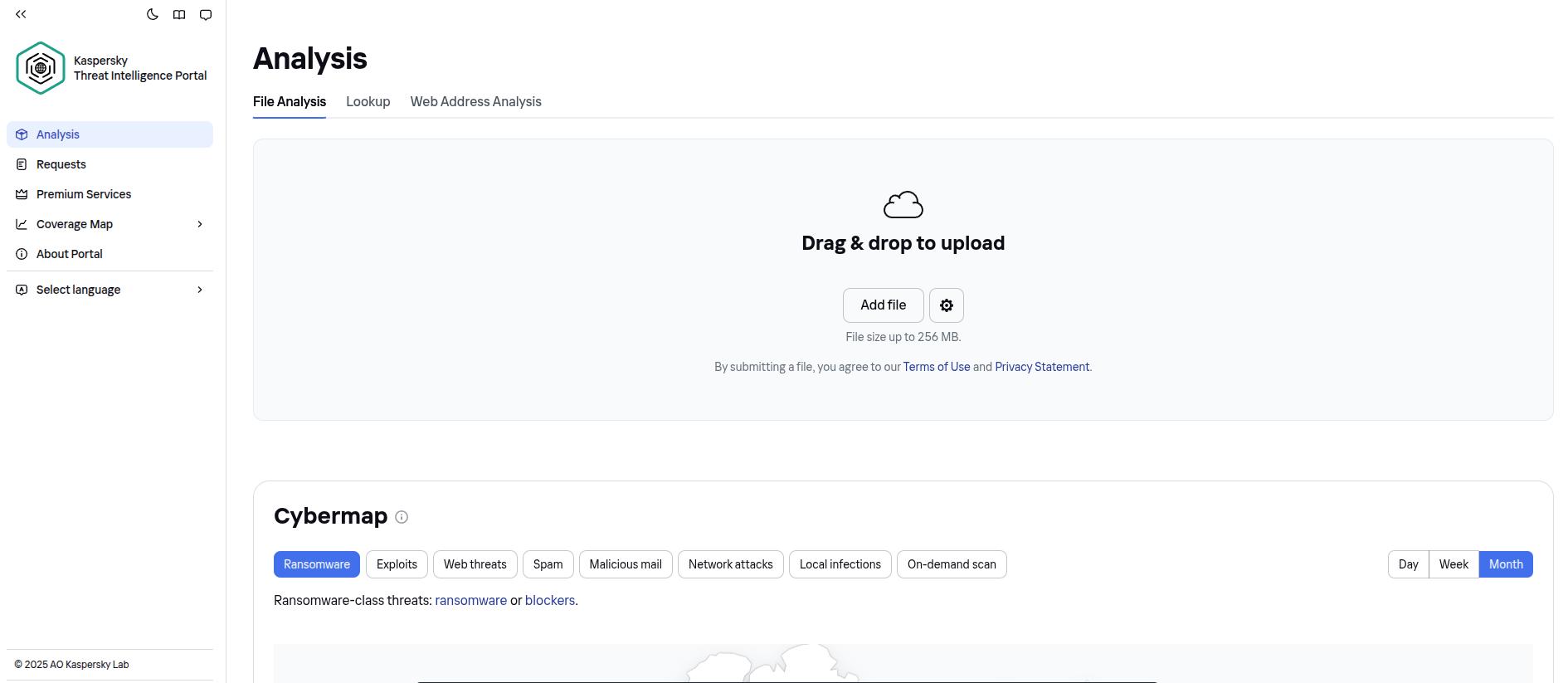
Kaspersky’s Threat Intelligence Portal offers a URL scanning tool backed by its global malware and phishing research network. It analyzes websites for known malicious behavior, suspicious hosting patterns, and historical threat data. It is commonly used by security teams and analysts to investigate potentially dangerous links. While it provides strong technical insights, it’s designed more for manual checks than everyday browsing and does not offer real-time protection while users navigate the web.
7. Sucuri SiteCheck
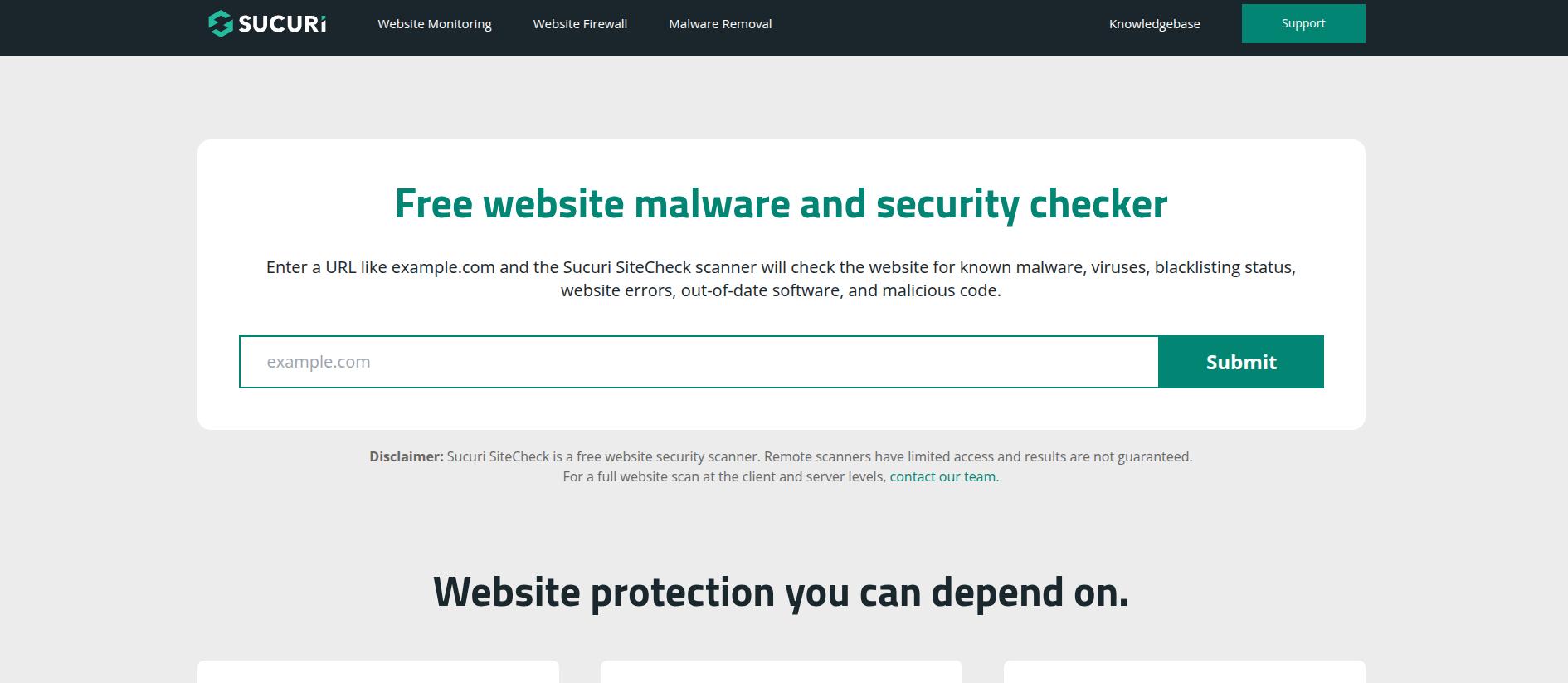
Sucuri SiteCheck is a free website scanner primarily designed to detect malware, blacklisting, and security issues on websites. It’s often used by site owners to check whether their own domains have been compromised, but it can also be used to scan external URLs. The tool checks against known malware signatures and blacklist services. However, it focuses more on server-side issues and may not catch phishing pages, fake stores, or malicious ads targeting visitors.
8. URLVoid
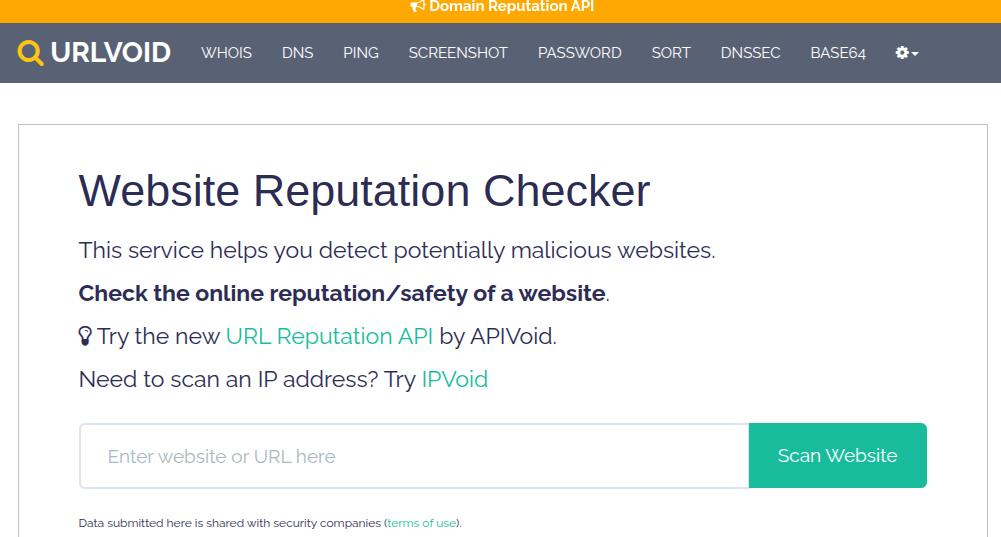
URLVoid aggregates data from multiple reputation engines and blacklist services to assess whether a website is potentially dangerous. It provides insights such as domain age, IP information, blacklist status, and previous reports of malicious activity. URLVoid is useful for quick background checks on unfamiliar sites, especially new domains. It relies heavily on third-party data sources and does not actively block threats or detect real-time scam behavior during browsing sessions.
9. ScamAdviser
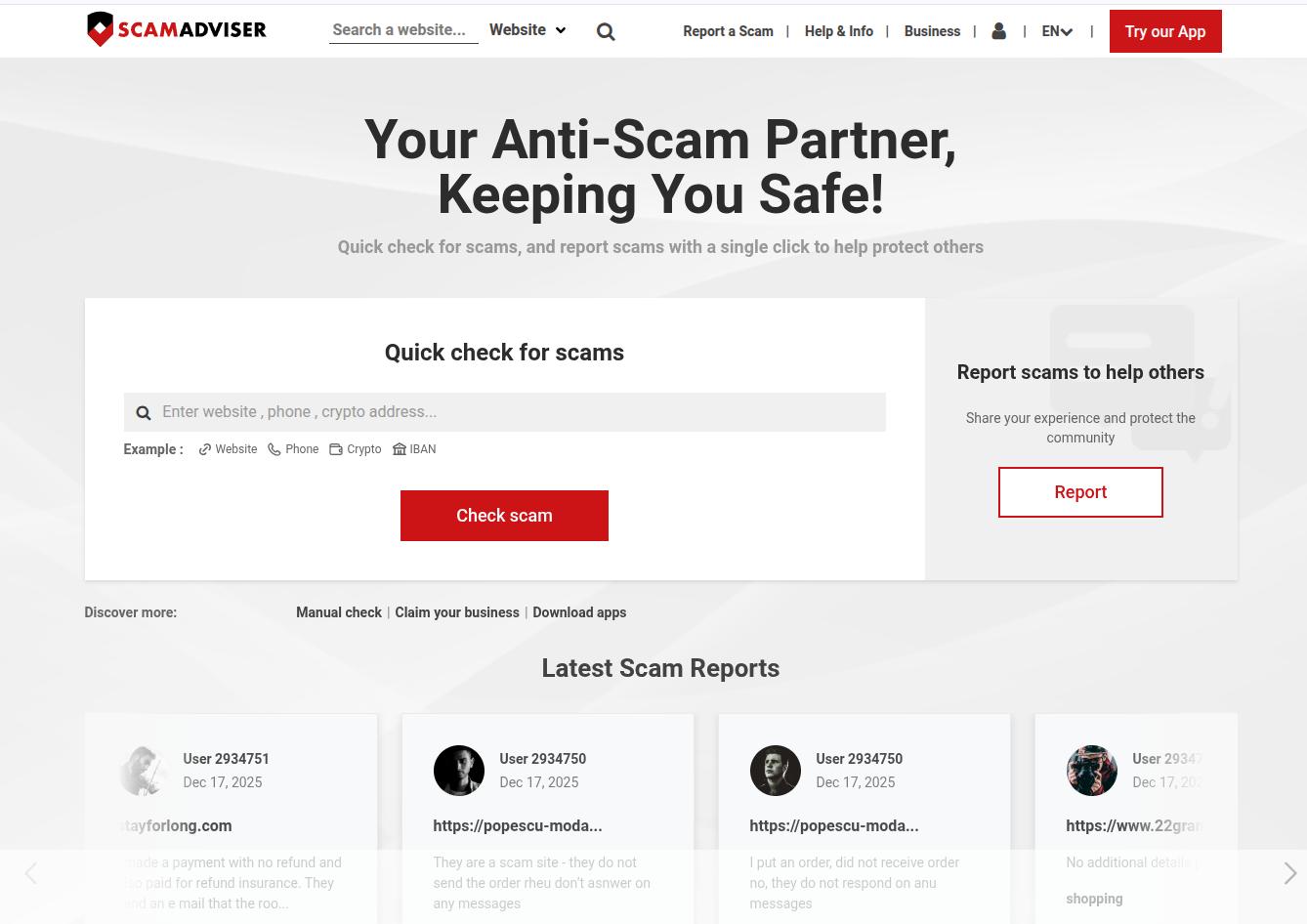
ScamAdviser assigns trust scores to websites based on factors like domain age, hosting location, SSL certificates, and user reports. It’s commonly used by consumers to evaluate unfamiliar shopping sites or online services. ScamAdviser is helpful for spotting obvious red flags, such as newly registered domains or suspicious ownership details. Its scoring system can sometimes oversimplify risk and may not accurately reflect sophisticated phishing pages or fast-moving scam campaigns.
10. PhishTank & Community-Driven URL Reputations
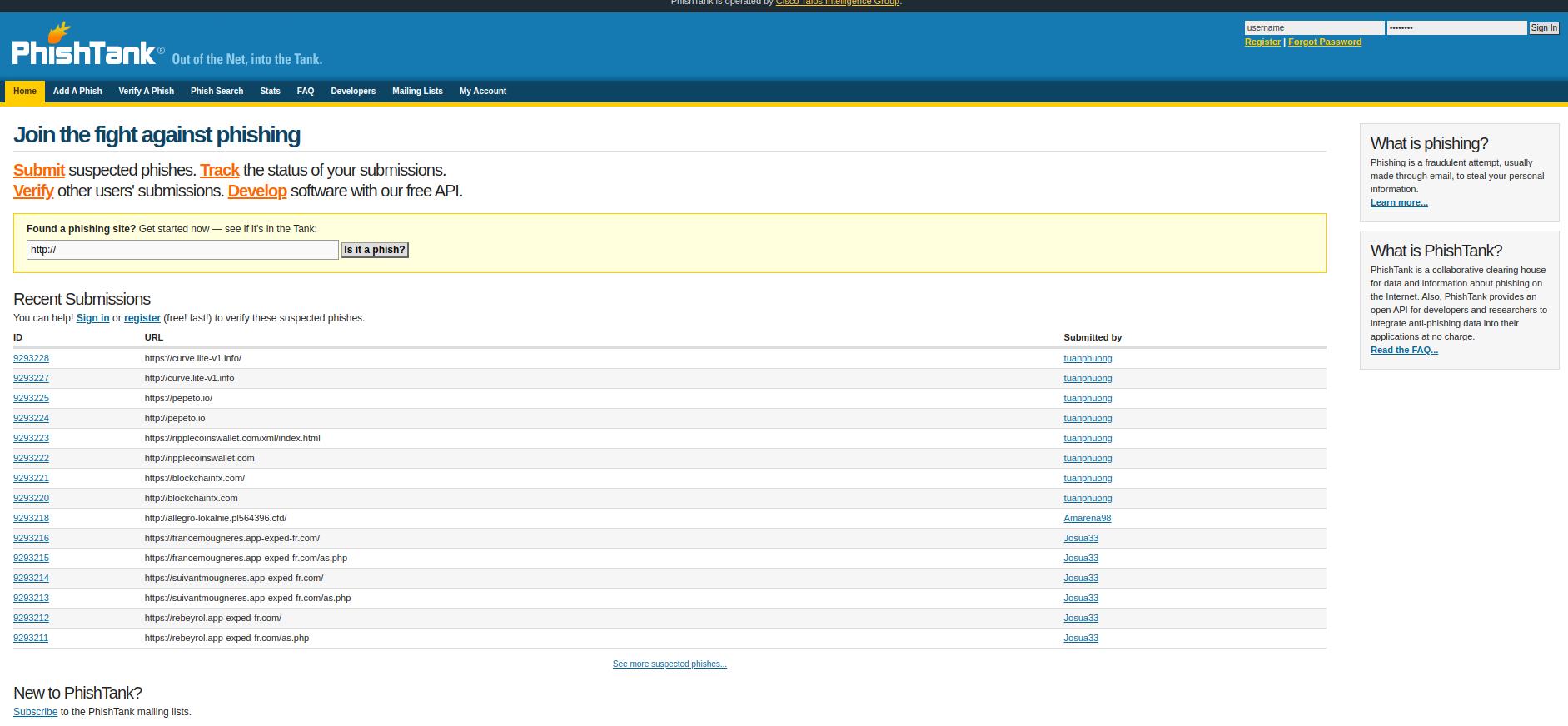
PhishTank and similar community-driven databases rely on users and security researchers to submit and verify phishing URLs. These platforms help identify large-scale phishing campaigns and shared attack infrastructure. They are valuable for tracking known threats and educating users about phishing trends.
Now, community-driven tools are inherently reactive, so new phishing sites may remain active for hours or days before being reported and confirmed.
Website Safety Tools Comparison Overview
With so many tools claiming to check if a website is safe, it helps to see how they compare at a glance. Some tools work in the background while you browse, others require manual checks, and a few focus only on reputation data. The table below gives a high-level overview of how these tools differ in terms of usage, protection type, and device support.
| Tool | Type (Extension / Web Scanner / Reputation Checker) | Key Website Safety Checks | Mobile & Cross-Device Support |
|---|---|---|---|
| Guardio | Real-time protection | Phishing, fake shopping sites, malicious ads, downloads, redirects | Yes (multi-device) |
| browser security tools | Reputation checker | Known phishing, malware, deceptive sites | Limited (browser-dependent) |
| VirusTotal | Web scanner | Malware, phishing via multiple engines | No |
| Norton Safe Web | Reputation checker | Malware, phishing, unsafe downloads | Limited |
| Trend Micro Site Safety Center | Reputation checker | Malware, phishing indicators | Limited |
| Kaspersky URL Scan | Web scanner | Malware, phishing, threat intelligence | No |
| Sucuri SiteCheck | Web scanner | Malware, blacklists, site compromise | No |
| URLVoid | Reputation checker | Blacklists, domain history, IP data | No |
| ScamAdviser | Reputation checker | Scam signals, domain trust factors | No |
| PhishTank | Community reputation | Known phishing URLs | No |
Essential Features in Tools That Check If a Website Is Safe
Not all website safety tools are equally effective. However, the ones that actually protect users focus on stopping threats before harm occurs, and not just labeling sites after the fact. Here are some of the must-have features:
- Real-Time Blocking of Malicious and Phishing Sites: Instantly detects and blocks dangerous websites before pages load, preventing users from entering passwords, personal data, or payment details on fake or compromised sites.
- Detection of Malicious Downloads, Scripts, and Browser Extensions: Identifies harmful files, hidden scripts, and rogue extensions that can hijack browsers, inject ads, or steal data after a single visit.
- Protection from Scam Ads, Fake Pop-Ups, and Redirects: Stops deceptive ads, fake download buttons, and forced redirects that lead users from legitimate-looking pages to scam or malware-hosting sites.
- Link Scanning for Email, SMS, and Social Media Clicks: Analyzes links in emails, text messages, and social platforms to reveal unsafe destinations before users click, reducing phishing and account takeover risks.
- Reputation Checks (Domain Age, SSL, Blacklists, User Reports): Evaluates website trust using multiple signals such as domain history, security certificates, known blacklist entries, and community reports.
- Privacy and Tracking Protection Across Everyday Online Activity: Limits invasive tracking, blocks data-harvesting scripts, and reduces exposure to sites that monetize user activity through aggressive surveillance.
- Cross-Device Coverage and Ease of Use for Non-Technical Users: Provides consistent protection across browsers and across mobile and desktop devices with minimal setup, making advanced website safety accessible to everyday users.
How to Use Website Safety Check Tools in Everyday Browsing
Website safety tools are most effective when used at the right moments: before logging in, before entering payment details, and before trusting unfamiliar links. The table below shows common real-life situations and how different safety tools can help reduce risk while browsing.
| Everyday Browsing Scenario | What to Check | How Safety Tools Help |
|---|---|---|
| Checking links before entering passwords or payment details | Domain name, phishing signals, fake login screens | Real-time tools warn or block unsafe pages before you submit sensitive information |
| Verifying short links, QR codes, and social media ads | Hidden redirects, destination URL, scam behavior | URL scanners and extensions reveal where links actually lead and flag known scams |
| Double-checking shopping sites, support pages, and login screens | Fake stores, cloned brand pages, suspicious checkout flows | Reputation checkers highlight trust issues and domain history before you buy or log in |
| Combining browser protection with on-demand URL scanners | Unknown or suspicious links | Always-on protection blocks threats automatically, while manual scanners help with deeper checks |
Common Limitations of Free “Is This Website Safe?” Checkers
Free website safety checkers can be helpful for quick checks, but they come with significant limitations. Most of these tools rely on past reports and known threat data, which means they often react after damage has already happened. As online scams become more sophisticated and short-lived, relying only on free checkers can leave critical gaps in protection.
1. Outdated or Incomplete Threat Databases
Many free tools depend on blacklists and threat databases that are updated periodically, not in real time. Scam websites and phishing pages are often created, used, and taken down within hours. If a site hasn’t been reported yet, it may appear “safe” even though it’s actively stealing credentials or payment information. This delay gives scammers a large window to exploit unsuspecting users.
2. Manual URL Checks Only (No Always-On Protection)
Most free checkers require users to copy and paste a URL into a scanner before visiting a site. In real life, people click links quickly, especially in emails, ads, or messages. Without always-on protection, these tools rely heavily on user awareness and timing, which makes them ineffective against fast-moving threats, deceptive redirects, and one-click scam pages.
3. Limited Coverage for Mobile Browsing and SMS Links
Free website checkers are usually designed for desktop browsers and manual web searches. They often fail to protect users on mobile devices, where a large share of phishing now happens through SMS messages, messaging apps, and social media ads. QR codes and shortened links are also harder to inspect manually, increasing the risk of mobile-first browsing.
4. False Sense of Security from Single-Source Reputation Scores
Many tools reduce website safety to a single trust score or label, which can be misleading. A site may score well due to clean hosting history or valid SSL certificates, while still hosting fake checkout pages or phishing forms. Relying on one data source or score can create a false sense of security, especially against well-designed scam websites that mimic legitimate brands.
Why Guardio Stands Out Among Website Safety Tools
Guardio is built to stop online threats before they turn into real damage. Instead of reacting after something goes wrong, it focuses on early detection, real-time blocking, and clear alerts that help people avoid risky websites and links in the first place.
- Real-Time Blocking of Dangerous Websites, Downloads, and Scam Pages: Guardio blocks access to sites and downloads that show signs of fraud or malicious behavior, warning users before pages load so risky interactions can be avoided early.
- Cross-Channel Protection for Links in Email, Text Messages, and Social Media: Guardio checks links across common communication channels, helping prevent phishing attempts and scam destinations from turning a single click into a security issue.
- Detection and Removal of Risky Extensions and Scripts that Interfere with Online Safety: Guardio helps identify suspicious browser extensions that interfere with normal browsing and supports safe removal to restore secure and reliable site access.
- Alerts for Data Breaches and Identity Risks Linked to Unsafe Websites: Guardio monitors for data exposure and identity-related risks connected to unsafe sites and notifies users early so they can take timely action.
- Multi-Device Coverage So Families Stay Safe Across Browsers and Devices: One Guardio subscription helps protect browsing, accounts, and personal information on both desktop and mobile devices, making it easier for individuals and families to stay safer online.
Conclusion
Fake websites, phishing pages, and malicious ads are no longer rare edge cases - they’re a daily risk across search results, emails, messages, and social media. As scams become faster, more convincing, and harder to distinguish from legitimate sites, relying on visual cues or free reputation checks alone is no longer enough.
The safest approach in 2026 combines real-time website protection, link scanning across multiple channels, and clear warnings before users log in or pay. Tools that analyze live behavior rather than relying solely on past reports provide far stronger protection against modern online threats.
That’s where comprehensive solutions like Guardio stand out. By blocking dangerous websites, malicious ads, and scam links in real time while surfacing identity risks and unsafe account settings across desktop and mobile devices, Guardio helps users stay protected at the moment it matters most.
{{component-cta-custom}}FAQs
How can I help my family avoid fake websites without teaching them cybersecurity?
You don’t need to teach your family security basics - Guardio does the hard work for you.
- Add your family members to your Guardio Premium account, each plan includes up to 5 devices with personalized protection.
- Enable mobile protection to scan dangerous links from texts, emails, and social media (where scams often start).
- Turn on text message filtering to automatically silence phishing texts and fake delivery notices.
- Use Guardio’s dashboard to check which sites were blocked and when, so you’re not left guessing.
You can get started in minutes with Guardio Family Protection.
How do I spot a phishing scam if the site looks totally legit?
If the site looks too perfect, that’s the point - phishing today is built to fool even sharp eyes.
- Never trust visual design alone - phishing pages often copy the exact layout of real sites.
- Look beyond the URL - Guardio checks where a link actually leads before it loads.
- Use browser protection that blocks fake login pages before credentials are entered.
- Enable email security to catch phishing emails even if they bypass spam filters.
Want to test your phishing radar? Try these two rules to spot nearly every scam.
Are mobile-first scams different from desktop scams?
Yes, many mobile scams exploit smaller screens, QR codes, and social app links to trick you faster.
- Guardio’s mobile app blocks phishing links in texts, DMs, and ads before they open.
- Set up mobile browsing protection to stop fake sites in Safari, Chrome, and other mobile browsers.
- Use the Text Message Filter to auto-junk scammy texts pretending to be banks or deliveries.
- Watch out for short links - Guardio reveals their true destination before you tap.
Learn how to turn on mobile browsing protection in under 2 minutes.
How does Guardio stop fake websites before I even click?
Unlike manual checkers, Guardio runs in the background, flagging or blocking scam links instantly across sites, emails, and apps.
- Blocks malicious websites and downloads the moment they try to load.
- Stops phishing links in emails, texts, and social media before they open.
- Neutralizes harmful extensions that sneak in fake search results or ads.
- Alerts you if your info was leaked on a site you visited.
Get the full list of Guardio’s proactive protections right here.
Can I see which sites Guardio blocked and why?
Absolutely, you can view detailed logs on both desktop and mobile, including URLs, timestamps, and threat types.
- Visit your Dashboard to see recently blocked websites on desktop.
- Use the mobile app to view blocked sites by tapping "Browsing Protection".
- Reveal redacted URLs in your Dashboard for full transparency.
- Mark safe sites as ‘Allowed’ if you trust them, but only if you’re 100% sure.
Here’s how to check and manage your blocked websites list.
What are the biggest red flags of a fake shopping site?
Common red flags include strange domain names, urgent limited-time pressure, missing policies, and payment methods that feel unusual for the brand.
%201.avif)

%201.avif)


