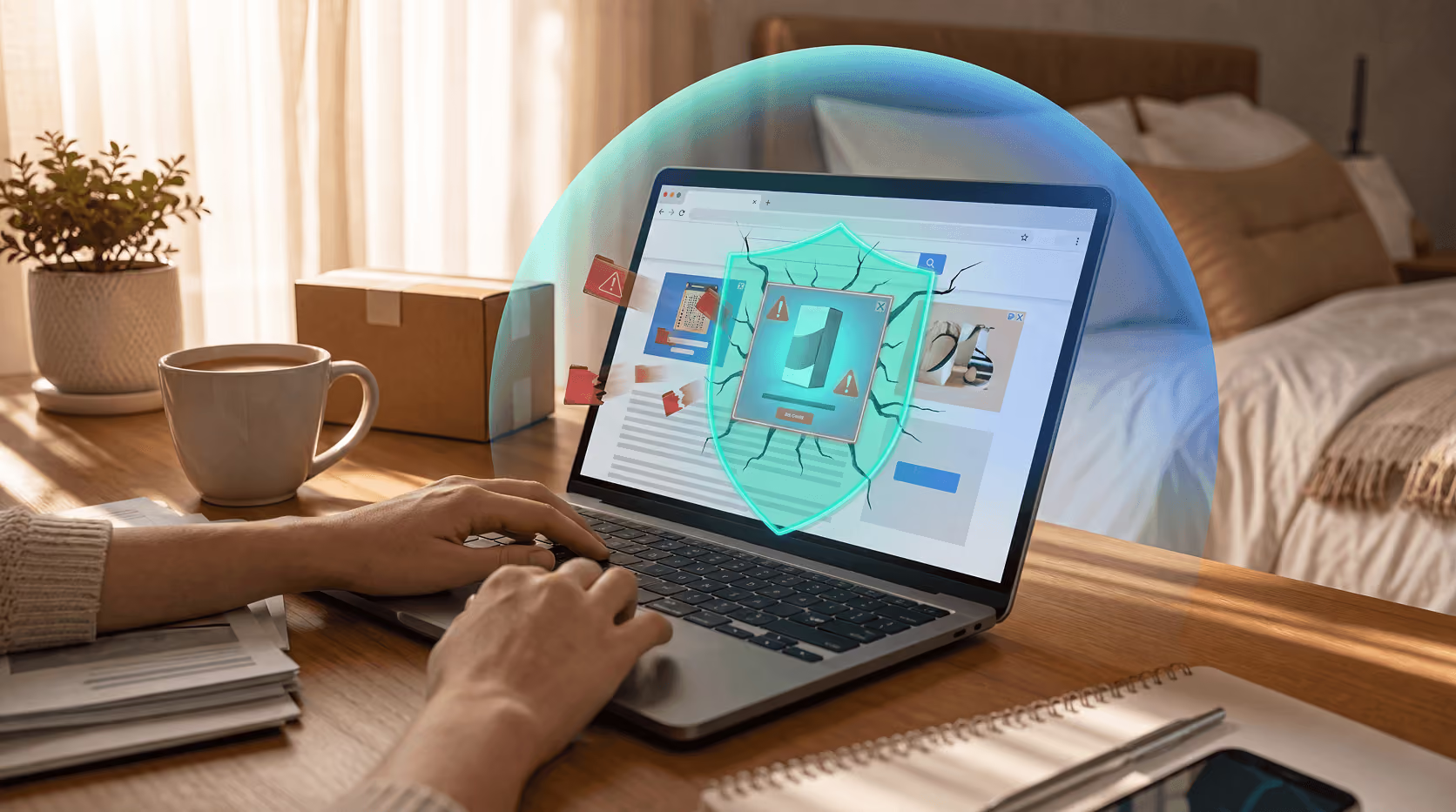
Browser Security vs. Antivirus: What Each One Actually Protects You From



Key Takeaways
Most people assume that if their browser warns them about a dangerous site, they're covered. Others assume their antivirus handles everything. The truth? Both assumptions leave you exposed, because browser security and antivirus protection are not the same thing, and they're not meant to be.
They protect different parts of your digital life, in different ways, against different threats. Understanding what each one actually does and where each one stops is the difference between real protection and a false sense of security.
The threat landscape has shifted, and most people haven't caught up
Cybercrime reached a staggering milestone in 2024: the FBI reported $16.6 billion in losses, a 33% surge from the year before. Phishing led the way as the most-reported crime, and ransomware remained the top threat to critical infrastructure.
But here's the detail that should change how you think about security tools: according to the 2025 State of Browser Security Report, browser-based malware became the #1 attack vector in 2024, accounting for 70% of all observed malware cases, while traditional email-based delivery fell to just 15%.
The battlefield has moved inside the browser. And yet, security tools haven't fully caught up.
A 2025 survey by Security.org found that 63% of users believe safe browsing habits matter more than antivirus protection, and 1 in 3 Americans still browse without any antivirus protection at all. That's a dangerous misconception built on a misunderstanding of what these tools actually do.
What is browser security?
Browser security is built into, or layered on top of, your web browser. It's the system built to protect you at the point of web interaction: the moment you click a link, land on a page, or enter information into a form.
What browser security tools protect you from:
Phishing websites and fake login pages
Tools like Google Safe Browsing (which protects over 5 billion devices daily) and Microsoft SmartScreen maintain constantly updated databases of known malicious URLs. When you navigate to a site flagged as dangerous, you get a warning before the page even loads.
Malicious downloads triggered from the web
Browsers can detect and block files known to contain malware before they reach your device, by checking download URLs against threat databases in real time.
Deceptive ads and social engineering pages
Browser security extensions and built-in filters can identify sites built to trick you into giving up passwords, payment info, or personal data.
Unsafe extensions and browser add-ons
Malicious browser extensions can inject scripts, steal session cookies, and hijack your credentials. Modern browser security, especially dedicated tools, can detect and block these.
Session hijacking and cookie theft
Attackers target saved credentials and authentication tokens stored in the browser. Dedicated browser security tools monitor these access points in ways antivirus software typically cannot.
What browser security does NOT protect you from:
- Malware already installed on your device
- Ransomware encrypting your local files
- Viruses spreading through USB drives or local networks
- Keyloggers silently recording everything you type
- Zero-day exploits targeting the operating system
- Malware that assembles itself in memory, never writing a file to disk
Browser security lives at the web layer. Once a threat gets past the browser and onto your system, it's out of browser security's jurisdiction.
What is antivirus protection?
Antivirus software operates at the system level, monitoring your device's processes, files, memory, and network activity, regardless of which application you're using. It's your last line of defense when a threat has already landed.
What antivirus protects you from:
Viruses, trojans, and worms
Traditional signature-based detection identifies known malware by its code fingerprint. When a malicious file is opened or executed, antivirus software catches it, even if you're not using a browser at all.
Ransomware
Modern antivirus tools monitor for ransomware-like behavior (mass file encryption) and can stop an attack in progress. This is something browser security cannot do. Once ransomware is on your machine, the browser is irrelevant.
Keyloggers and spyware
Antivirus software can detect processes secretly recording your keystrokes or transmitting your data to remote servers, threats that live entirely outside the browser environment.
Fileless malware and memory-based attacks
Advanced antivirus solutions use behavioral analysis to catch malware that never writes a file to disk, executing entirely in system memory to evade detection.
Offline threats
Malware spread via USB drives, email attachments, or local network shares doesn't touch the browser at all. Antivirus catches it anyway.
System-level vulnerabilities and exploits
When attackers target your operating system directly, through unpatched software or privilege escalation, endpoint security tools are what stands between them and full control of your device.
What antivirus does NOT reliably protect you from:
- Real-time phishing pages that haven't yet been flagged in threat databases
- Malicious browser extensions that operate within trusted browser processes
- Browser-based malware that reassembles itself dynamically in the DOM, never writing a file
- Social engineering attacks that trick users rather than exploiting code
- Session cookie theft and credential hijacking that happens entirely inside a browser session
The 2025 State of Browser Security Report makes this clear: "Existing tools like SWGs, EDR, and CASBs lack the visibility needed to monitor what's actually happening inside the browser." Antivirus was built around a specific data model, process execution and file activity, and the browser has its own unique environment that traditional antivirus tools were never built to see inside.
The critical gap: browser-based malware that evades both
Here's where it gets complicated and dangerous.
Modern attackers have developed techniques specifically built to fall between the cracks of both browser security and antivirus:
Malware reassembly in the browser
Campaigns like ClearFake and SocGholish don't deliver traditional malware files. Instead, they deliver fragments of malicious code that assemble themselves inside the browser using JavaScript and HTML injections. No file is ever written to disk, so antivirus has nothing to scan. And because these attacks execute within trusted website environments, browser filters often don't flag them as dangerous.
Trusted platform exploitation
Attackers increasingly use legitimate, trusted services, personal Gmail accounts, Adobe, Google Cloud, to deliver phishing content. Because these platforms are "known good," both browser filters and antivirus tools may allow the interaction to proceed. The threat hides in plain sight.
Malicious extension creep
A study by CrowdStrike noted that traditional security tools often fail to detect vulnerabilities in legitimate browser extensions, meaning an extension you installed from an official store could be silently harvesting your data.
This is why the 2025 State of Browser Security Report concluded: "Traditional defenses are no longer enough to protect a workforce that operates inside the browser."
Side-by-side: what each tool actually covers
So, do you need both?
Yes. And here's the plain-language reason why.
Browser security stops threats at the gate, before a dangerous site loads, before a malicious download executes, before a phishing page can steal your credentials. It's fast, context-aware, and built for the way modern threats arrive.
Antivirus catches what gets through, malware already on your system, ransomware trying to encrypt your files, keyloggers recording your passwords, threats that arrived from anywhere other than a web browser.
They are complementary layers, not substitutes for each other. Running one without the other is like locking your front door but leaving your windows open.
The Security.org 2025 report reinforces this: while free and built-in tools have improved dramatically, Microsoft Defender, Chrome Safe Browsing, and Microsoft SmartScreen provide a genuine baseline, they may still lag behind dedicated solutions when it comes to zero-day vulnerabilities, ransomware, and sophisticated phishing attacks.
Practical takeaways
1. Don't rely on browser warnings alone.
Google Safe Browsing and SmartScreen are excellent, but they work from databases of known threats. A brand-new phishing page or a novel malware campaign may not be flagged yet.
2. Don't assume antivirus covers your browsing.
Antivirus sees your files and processes, not what's happening inside a browser session. It cannot see a phishing page being rendered, a session cookie being stolen, or a malicious extension acting as a man-in-the-middle.
3. Keep both updated.
Both browser security and antivirus are only as good as their most recent threat intelligence. Outdated definitions are one of the fastest ways to turn strong protection into a false sense of security.
4. Consider layered browser protection.
For users handling sensitive data, financial accounts, business credentials, personal health information, dedicated browser security extensions that monitor activity at the page level offer protection that neither built-in browser tools nor traditional antivirus can match.
5. Behavior is still a layer of security.
Clicking unknown links, ignoring certificate warnings, and installing unvetted extensions create gaps no software can fully close.
The bottom line
Browser security and antivirus are not rivals. They're partners, each covering territory the other can't reach.
Browser security lives where modern threats arrive: at the web layer, in real time, as you interact with the internet. Antivirus lives where threats do their damage: at the system level, in your files, processes, and memory.
In 2024, cybercrime cost Americans $16.6 billion. Browser-based attacks accounted for 70% of all malware. And 1 in 3 Americans still browse without antivirus protection.
The question isn't which tool you should choose. It's whether you have the coverage to handle threats on both fronts, because attackers aren't choosing between your browser and your system. They're using whichever door you left open.
Guardio adds a dedicated layer of security across your browser and your phone, working alongside your existing antivirus protection. It detects phishing pages, malicious extensions, and browser-based threats in real time, covering the exact gaps that antivirus alone can't see. Get started with a free scan and find out what's currently slipping through.
Conclusion
Browser security and antivirus are not rivals. They're partners, each covering territory the other can't reach. In 2024, cybercrime cost Americans $16.6 billion. Browser-based attacks accounted for 70% of all malware. And 1 in 3 Americans still browse without antivirus protection. Guardio adds a dedicated layer of security across your browser and your phone, working alongside your existing antivirus protection. Get started with a free scan and find out what's currently slipping through.
Get a free security scan with Guardio today and stay protected from scams before they reach you.
FAQs
Is browser security the same as antivirus?
No. Browser security protects you at the web layer, blocking phishing pages, malicious downloads, and harmful extensions before they can do damage. Antivirus operates at the system level, catching malware that has already reached your device. They cover different threats and work best when used together.
Can antivirus protect me from phishing attacks?
Partially. Antivirus can block known phishing URLs if they're in its database, but it can't see what's happening inside a live browser session in real time. Brand-new phishing pages, especially ones hosted on legitimate platforms, often slip through. Dedicated browser security tools are better equipped to catch these.
Do I need both browser security and antivirus?
Yes. Each tool covers gaps the other can't. Browser security stops web-based threats before they reach your system. Antivirus catches threats that have already landed, including ransomware, keyloggers, and malware delivered through channels other than a browser. Running both gives you meaningful layered protection.
What threats does browser security not cover?
Browser security doesn't protect against malware already on your device, ransomware encrypting your files, keyloggers, viruses spread via USB drives, or system-level exploits. Once a threat bypasses the browser and reaches your operating system, antivirus is what's needed.
What threats does antivirus not cover?
Antivirus has limited visibility into what happens inside an active browser session. It typically can't detect session cookie theft, malicious browser extensions operating within trusted processes, or browser-based malware that assembles itself in the page without ever writing a file to disk.
Is Google Safe Browsing enough protection?
Google Safe Browsing is a solid baseline that protects billions of devices, but it relies on a database of known threats. Novel phishing pages, newly registered malicious domains, and sophisticated social engineering attacks may not be flagged immediately. Layering it with a dedicated browser security tool and antivirus gives you stronger, more real-time coverage.
Can malware get through even if I have antivirus installed?
Yes. Fileless malware, browser-based attacks, and malicious extensions can evade traditional antivirus tools because they operate in environments antivirus wasn't built to monitor. That's why browser-level security is an important additional layer, not a redundant one.
 Online Security
What Is a Passkey? The Password-Free Login Method Explained