

Evil Twin Wi-Fi Attacks: How a Fake Hotspot Can Steal Everything You Type


Key Takeaways
You're at the airport. Your flight is delayed two hours, so you pull out your laptop and connect to "Airport_Free_WiFi." Emails, bank balance, maybe a quick online purchase. Routine stuff. But the network you just joined isn't the airport's, it belongs to a stranger sitting thirty feet away with a $35 USB adapter and a free piece of software. That's an evil twin attack, and it's one of the most quietly effective hacking techniques in use today.
What is an evil twin Wi-Fi attack?
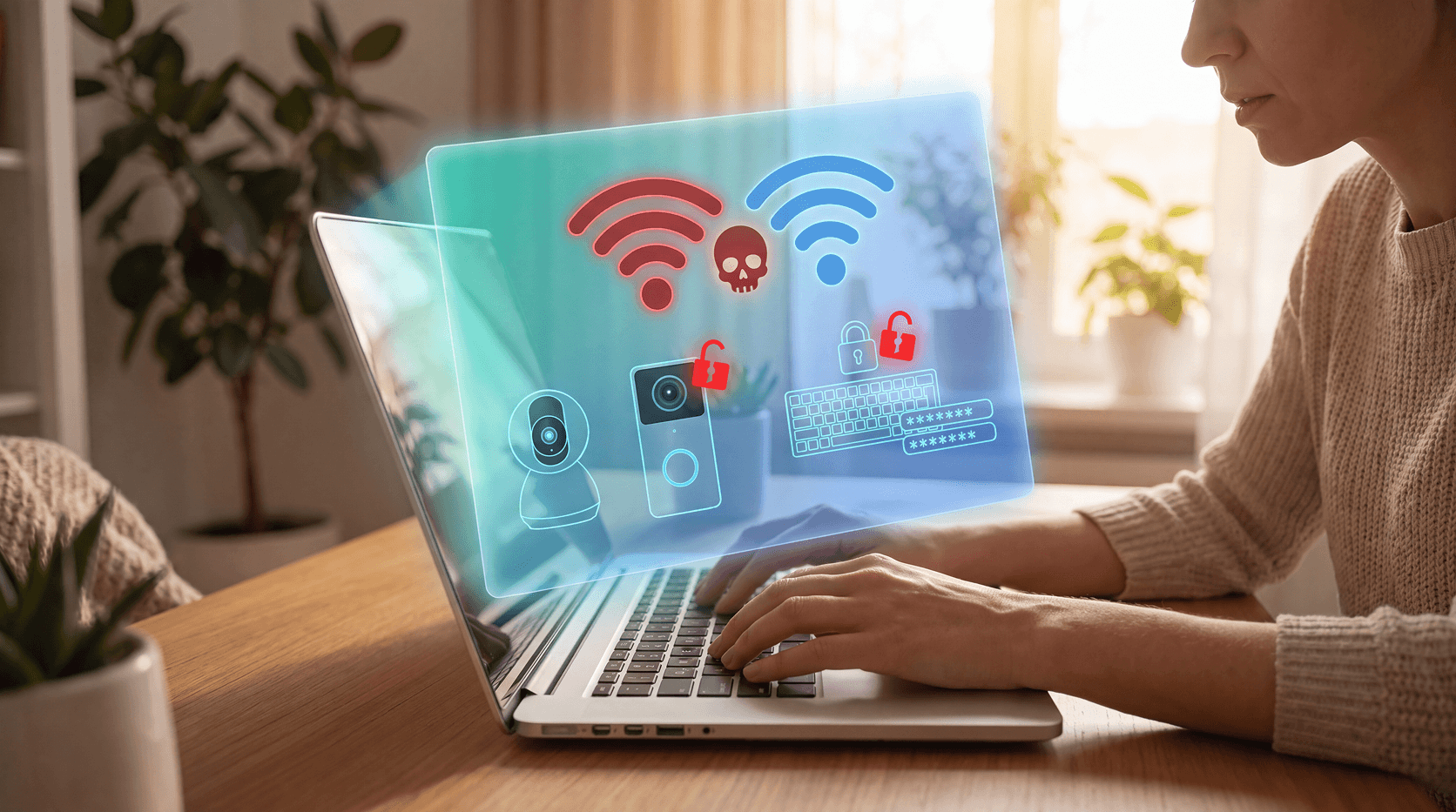
An evil twin attack (also called a rogue access point attack) happens when a cybercriminal clones a legitimate Wi-Fi network, copying its exact name (SSID) and sometimes even its signal strength, to trick devices and people into connecting. Once you're on the fake network, the attacker is positioned between you and the real internet, able to see every unencrypted packet of data you send or receive.
Think of it like a fake ATM installed over a real one. From the outside, everything looks normal. But behind the interface, someone is recording your PIN.
The technique is a form of man-in-the-middle (MitM) attack, one of the oldest plays in the hacker's playbook, now made easier than ever by consumer hardware and open-source hacking tools.
How does an evil twin attack work?
Here's exactly how attackers pull it off:
Step 1: Scout the location. Attackers target high-traffic areas with free, open Wi-Fi: coffee shops, airports, hotels, libraries, conference centers. Multiple access points often share the same network name, making a fake one easy to hide. People are distracted and connect without thinking.
Step 2: Clone the legitimate network. The attacker scans nearby Wi-Fi networks, notes the SSID, and creates a new access point with the exact same name. Tools like a Wi-Fi Pineapple, a common device sold for penetration testing, make this trivially easy. The attacker may also boost their signal to appear as the stronger, more reliable option.
Step 3: Kick you off the real network. Some attackers send deauthentication (deauth) frames, technical signals that force devices off the legitimate Wi-Fi. Since most devices auto-reconnect to recognized networks by name, they often rejoin the attacker's fake hotspot without the user doing anything.
Step 4: Intercept your traffic. All your internet traffic now routes through the attacker's device. On HTTP sites, your data is visible in plain text. Even on HTTPS sites, attackers can use SSL stripping to downgrade the connection and remove encryption before your browser sees it.
Step 5: Harvest credentials via a fake captive portal. Many evil twin setups include a fake login page that mirrors what you'd normally see at a hotel or café. It asks for your email, password, or credit card to "verify your account." Victims enter this thinking it's required to get online. It goes straight to the attacker.
Who is most at risk?
Evil twin attacks aren't random. Certain people and situations carry much higher risk:
- Remote workers in cafés and co-working spaces, handling sensitive corporate data on unsecured public networks.
- Travelers at airports, hotels, and train stations, connecting in a rush, trusting network names without verifying them.
- Conference and event attendees, event Wi-Fi is frequently cloned; attackers know valuable business conversations happen at trade shows.
- Students on campus, open university networks are common targets.
- Anyone using public Wi-Fi for banking, email, or shopping, the higher the value of the data, the higher the motivation to intercept it.
Small businesses are particularly exposed. Employees using public Wi-Fi with access to corporate email, cloud tools, or customer data create a security gap that's difficult to monitor and close.
What can attackers steal?
Once positioned as the man in the middle, an attacker can collect:
- Login credentials for email, social media, banking, and work accounts
- Credit and debit card numbers entered during online transactions
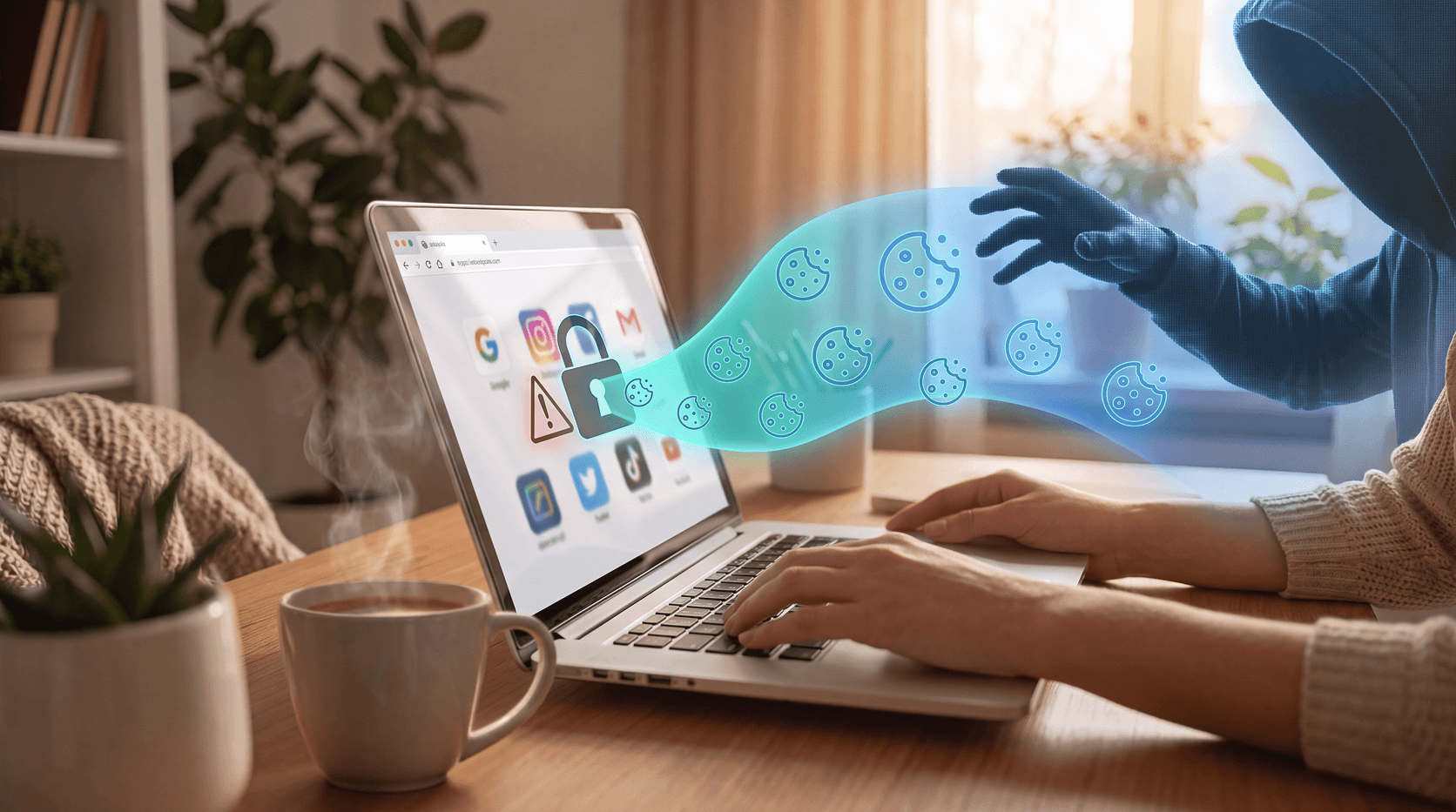
- Session cookies, which let attackers impersonate you on sites you're already logged into, without needing your password
- Personal messages sent through unencrypted apps or web-based messaging
- Sensitive business files transferred over the network
- VPN credentials, which can open the door to an entire corporate network
The most dangerous part? You won't see anything unusual. Your browser works normally. Your apps load. You have no idea the session is being recorded.
Real-world evil twin attack scenarios
The coffee shop swap. A cybercriminal sits down at a popular café and launches a hotspot named "CafeWifi_Free", identical to the café's real network name. They sit near the counter, where their signal is strong. Over two hours, a dozen people connect. The attacker captures login cookies for several email accounts and one banking session.
The hotel hustle. You check in, connect to "Hilton_Guest_WiFi" without asking the front desk for the real network name, and book a day trip online using your credit card. The attacker, in a nearby room, has that information within seconds.
The conference clone. A competitor at a tech conference sets up an evil twin of the official event Wi-Fi. Attendees connecting to pitch decks, proposals, or their corporate CRM send that data through the attacker's device. Intellectual property, customer lists, financial forecasts, all potentially captured.
How to detect an evil twin attack
Evil twins are hard to spot, but there are signals worth watching for:
- Two networks with the same name appear in your Wi-Fi list, a sure sign one is fake.
- HTTPS certificate warnings: if your browser flags a security certificate error on a site that's normally fine, disconnect immediately.
- The captive portal looks different from what you've seen before, asks for unusual information, or uses HTTP instead of HTTPS.
- Dramatically slower speeds than you'd expect from the venue's Wi-Fi.
- Your device reconnected automatically after briefly dropping, which may indicate a deauth attack pushed you onto a fake network.
The honest truth: most people cannot reliably detect an evil twin in the moment. Prevention is far more effective than detection.
How to protect yourself from evil twin attacks
Use a VPN, always on public Wi-Fi. A Virtual Private Network (VPN) encrypts all traffic between your device and the VPN server. Even if an attacker intercepts your packets on a fake hotspot, they see only scrambled, unreadable data. It's the single most effective countermeasure for anyone on public Wi-Fi.
Stick to HTTPS sites. Look for the padlock icon in your browser and make sure URLs begin with https://. Avoid entering sensitive information on HTTP pages.
Turn off auto-connect. Your device's habit of reconnecting to known networks is exactly what evil twin attacks exploit. Disable auto-connect for public Wi-Fi on your phone and laptop. Always choose your network manually in public spaces.
Verify the network name before connecting. Ask a café employee, hotel front desk, or venue staff for the exact Wi-Fi name. One question breaks the assumption attackers depend on.
Use your mobile data instead. When in doubt, skip the public Wi-Fi and hotspot from your phone's cellular connection. It costs more, but it's dramatically safer.
Enable two-factor authentication (2FA). Even if an attacker captures your login credentials, 2FA adds a barrier they can't easily bypass. Stolen passwords become far less useful when a code from your phone is also required.
Use Guardio's browser extension and mobile app. Guardio monitors your browsing in real time, across your browser and phone, alerting you to suspicious network redirects and phishing pages that often accompany evil twin setups.
Monitor for identity breaches. Guardio's Identity Breach Monitoring scans for your personal information continuously and alerts you the moment it appears on the dark web, giving you time to act before attackers can use what they took.
Keep your software and browser updated. Browser vulnerabilities are frequently exploited alongside network-level attacks. Keeping everything current closes these secondary entry points.
For small businesses: the bigger picture
For individuals, an evil twin attack might mean a stolen password or a fraudulent charge. For a business, the stakes are much higher.
An employee connecting a work laptop to a rogue hotspot while traveling can expose corporate email and calendar data, access tokens to SaaS applications like Salesforce, HubSpot, and Slack, customer records and financial data, and internal documents.
Guardio gives small business owners and their employees real-time protection, across browser and phone, that works regardless of what network someone's connected to. It's a practical layer of defense for businesses that can't control where employees work, but can make sure each person is protected wherever they log in.
Conclusion
Evil twin Wi-Fi attacks are a real, low-effort threat that anyone using public Wi-Fi can encounter. The attacker doesn't need to break your password or install anything on your device. They just need you to connect to the wrong network first. And in busy, crowded locations, that mistake is easier to make than most people think.
The good news: protecting yourself doesn't require technical expertise. A VPN, the habit of verifying networks, and a security tool that watches your back are enough to make you a much harder target.
Guardio combines browser-level protection, identity breach monitoring, and real-time threat alerts into a single, simple subscription. Whether you're working from a café, traveling for business, or grabbing coffee between meetings, Guardio keeps your data safe.
FAQs
What is the difference between an evil twin attack and a rogue access point?
A rogue access point is any unauthorized Wi-Fi access point connected to a network, often set up accidentally by employees. An evil twin attack is a deliberate, malicious version: a fake network crafted to impersonate a legitimate one with the goal of intercepting traffic. All evil twins are rogue access points, but not all rogue access points are evil twins.
Can a VPN fully protect me from an evil twin attack?
A VPN significantly reduces risk by encrypting all traffic, making intercepted data unreadable to the attacker. However, a VPN doesn't prevent you from entering credentials into a fake captive portal before your VPN connects. Manual vigilance, especially around captive portals, is still necessary even when using a VPN on public Wi-Fi.
Is setting up an evil twin Wi-Fi attack illegal?
Yes. Setting up a fake access point to intercept communications is illegal in the United States under the Computer Fraud and Abuse Act (CFAA), and in most other countries under similar cybercrime legislation. Tools like the Wi-Fi Pineapple are legal for authorized penetration testing; it's the unauthorized use that constitutes a crime.
How common are evil twin attacks?
Evil twin attacks are among the more common Wi-Fi-based threats because they require minimal technical skill and inexpensive equipment. Security researchers and ethical hackers demonstrate them regularly at cybersecurity conferences like DEF CON, highlighting how accessible the technique is to any motivated attacker.
Can my phone be affected by an evil twin attack, not just my laptop?
Yes. Smartphones are just as vulnerable as laptops, and often more so because users tend to be less cautious on mobile. Phones auto-connect to remembered networks, frequently browse on HTTP, and access banking apps. All of these behaviors can be exploited on a fake Wi-Fi network.
What should I do if I think I connected to a fake Wi-Fi network?
Disconnect from the network immediately and switch to mobile data. Change any passwords you entered during the session, especially for email and banking accounts. Check your accounts for unauthorized activity, and run a security scan. Guardio's Identity Breach Monitoring can alert you if your email or phone number surfaces on the dark web following a suspected compromise.
 How-To & Safety Tips
Break Away From The Groundhog Day Password Loop
%201.avif)


