QuickBooks and Invoicing Software Impersonation: How Fraudsters Fake Familiar Software Emails


Key Takeaways
You open your inbox and see an email from QuickBooks. There's an invoice attached, a payment confirmation, maybe a notice that your account needs attention. It looks right. The logo is correct, the formatting matches what you've seen before, and the sender domain checks out.
That's exactly the point. Fraudsters have figured out that a familiar name lowers your guard faster than anything else. QuickBooks and other invoicing platforms have become a go-to tool for scammers precisely because many people trust them, and that trust is the vulnerability.
Why invoicing software is a perfect scam vehicle
Think about what a legitimate QuickBooks email looks like: an invoice notification, a payment receipt, a billing reminder. These are routine, expected, and usually require some kind of action. That combination, familiarity plus urgency plus a clear next step, is exactly what makes them so dangerous when faked.
Researchers at KnowBe4 reported a 36.5% increase in phishing sent through QuickBooks' legitimate platform between January 1, 2025 and their late-February 2025 analysis (KnowBe4). They separately reported a 376.6% rise in this style of legitimate-platform abuse between January 2022 and February 2025.
The mechanics matter here. Attackers aren't hacking Intuit. They're creating free, legitimate accounts on the QuickBooks platform and using them to send phishing emails from @intuit.com, a domain registered in 1994 with a long-standing sender reputation and valid email authentication. KnowBe4 found these QuickBooks-sent lures evaded Microsoft's native defenses and secure email gateways, and standard email security tools often can't tell the difference.
How the scam actually works
There isn't one QuickBooks scam, there are several, and they often run together.
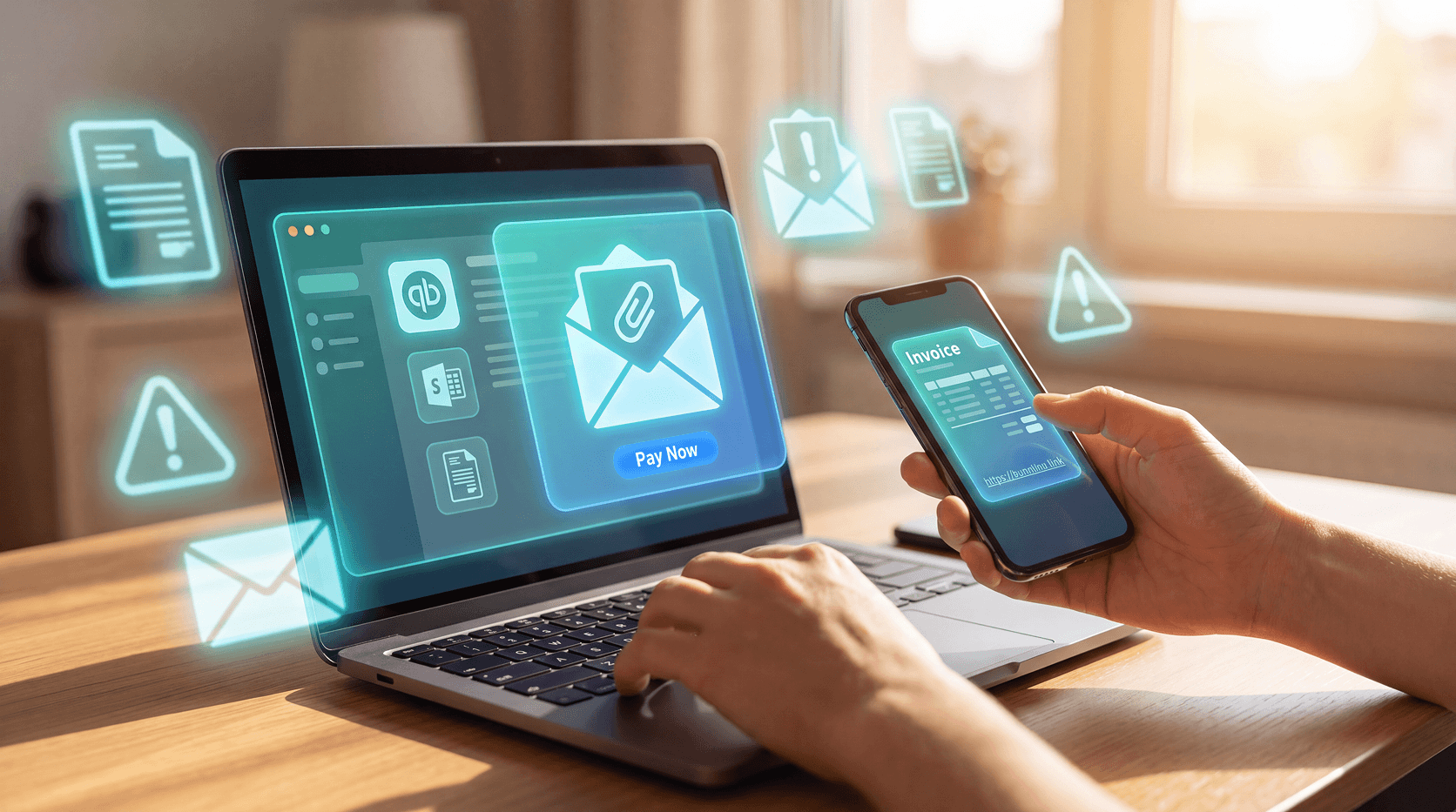
The fake invoice route is the most common. An email arrives with an invoice attached or a link to "review" a payment. The attachment is either a macro-laced Office document or a link that leads to a convincing but fake sign-in page built to capture your credentials. Darktrace documented exactly this tactic in 2020: spoofed QuickBooks emails sent to dozens of employees at a tech company, each carrying a malicious macro attachment disguised as a monthly invoice.
The phone escalation route is newer and harder to block. The email contains a fake invoice but no malicious link. Instead, it includes a toll-free number for "customer support." When the victim calls, a live attacker on the other end impersonates a QuickBooks representative and walks them through installing remote-access software, handing over login credentials, or making a fraudulent payment directly. When there's no link or attachment, the call is the attack and email scanning has little to inspect. KnowBe4 has documented this pattern in its 2025 QuickBooks research.
The vendor fraud route goes after businesses. Attackers pose as a known supplier, send an invoice from a lookalike domain or compromised account, and include updated payment details pointing to an attacker-controlled bank account. BreachSense notes that vendor impersonation exploits existing business relationships. A finance team that expects invoices from a vendor is more likely to process one that looks routine.
Business email compromise (BEC), the umbrella category these attacks fall under, caused about $3.05 billion in reported losses across 24,768 complaints in 2025, up from about $2.77 billion in 2024, according to the FBI's Internet Crime Complaint Center.
What these emails look like up close
KnowBe4's threat research team tracked the subject lines attackers used most frequently in QuickBooks phishing campaigns during early 2025. They included: "Review document: filename PaymentInstruction," "Approved payment instruction," "Invoice 1005 from Coinbase," "Direct Deposit, remittance advice," and simply "Account error." (KnowBe4)
Nothing about those subject lines screams scam. They look like the kind of emails that land in an accountant's inbox every single day.
The body of the email often embeds a single image (a screenshot of a PayPal payment request, for example) with a phishing link baked into the image itself. This can slip past text-based email security scanning, since there's little readable text for the filter to analyze. The link looks fine. The image looks fine. The email gets delivered.
One real example flagged by KnowBe4: a phishing email sent on February 12, 2025, that simultaneously impersonated QuickBooks, Coinbase, and PayPal, three trusted brands in a single message, each reinforcing the credibility of the others. KnowBe4
Red flags worth knowing
Spotting these takes practice, but there are consistent tells.
- You weren't expecting it. A legitimate invoice from a vendor you work with should match something you know about. An unexpected invoice from someone you've never heard of is a red flag, even if the branding is perfect.
- There's a phone number to call. Legitimate software companies don't typically ask you to call a toll-free number to resolve an invoice. If that number is the whole point of the email, treat it as suspicious.
- The attachment is an Office file. A macro-enabled Word or Excel document attached to what looks like an Intuit email is almost always a trap.
- The link doesn't go where you'd expect. Before clicking, hover over any link. Intuit says genuine emails link to intuit.com addresses, so a destination that doesn't match is a red flag. But a matching link isn't proof: fraudsters can send real QuickBooks invoices carrying their own text, and KnowBe4 found phishing sent from the legitimate intuit.com domain. If you weren't expecting the message, type the address yourself instead of clicking.
- There's urgency baked in. Phrases built to make you act immediately without thinking are pressure tactics. Legitimate billing software doesn't threaten you into clicking something.
- Generic greetings. Intuit lists generic greetings like "Dear Customer" as a sign of a fake email. A personal greeting doesn't prove an email is real, though, since attackers can add your name.
Intuit will never ask for your password via email, send software update attachments, or request sensitive financial information in an unsolicited message. If an email does any of those things, report it rather than engage with it.
What to do if you've already clicked
Speed matters. If you clicked a link, entered credentials, or called a number and handed over information, take these steps immediately:
- Change your QuickBooks password right now. Don't wait to figure out exactly what happened, change it first.
- Turn on multi-factor authentication (MFA). Even if your password was captured, MFA or a passkey makes it harder for someone to access your account.
- Check your account directly. Sign in through the official QuickBooks website, not through the email, and look for any unfamiliar transactions, changed settings, or new users added to your account.
- Run a security scan on your device. If you downloaded an attachment, malware may have been installed. A scan can catch it before it causes more damage.
- Report it. Forward suspicious emails to security@intuit.com, report the incident to the FTC at reportfraud.ftc.gov, and file a complaint with the FBI's Internet Crime Complaint Center (IC3) at ic3.gov, especially if you lost money.
- If you called a number or paid, act on that too. Contact your bank or card issuer right away if you paid. If you let anyone connect to your computer, update your security software, run a full scan, and change your passwords, including any you reuse.
The bigger picture
The FTC received over 330,000 business impersonation reports in 2023, and reported losses in 2025 reached nearly $1 billion for business impersonation and about $920 million for government impersonation. And those figures count only what gets reported.
What's changed recently is scale and polish. AI tools help attackers generate convincing copy, create realistic-looking invoices, and run multiple campaigns simultaneously. The friction that used to exist (awkward phrasing, obvious formatting mistakes) has mostly been removed. An email that would have looked amateurish two years ago now reads cleanly.
Invoicing software is trusted because it handles money. That's exactly why it's worth faking. The more you understand how these scams are built, the less likely one of them is to catch you off guard.
Guardio's browsing protection blocks known phishing sites before they open, including fake sign-in pages like the ones in these QuickBooks campaigns, on both computer and phone, and Email Security flags phishing emails that get past Gmail's spam filter. No tool catches everything, so keep checking the red flags above.
Get a free security scan with Guardio today and stay protected.
FAQs
Is a QuickBooks email from @intuit.com always safe?
Not necessarily. Attackers create legitimate free accounts on the QuickBooks platform and send phishing emails directly from @intuit.com addresses, meaning the domain can pass standard email authentication checks. The email's origin doesn't guarantee its intent. Always verify unexpected invoices or payment requests by logging into QuickBooks directly at quickbooks.intuit.com.
What does a fake QuickBooks invoice email look like?
Fake QuickBooks invoice emails typically mirror official Intuit branding but include unexpected payment requests, macro-enabled Office file attachments, or a phone number to call for support. Subject lines like 'Payment Instruction,' 'Invoice Reminder,' or 'Account Error' are common. Some embed phishing links inside images to bypass text-based email security filters.
Should I call a phone number in a QuickBooks email?
No. If a QuickBooks email contains a toll-free number and asks you to call about an invoice or account issue, treat it as suspicious. Attackers use this tactic, documented in KnowBe4's 2025 research, to move the conversation off email entirely, where they impersonate QuickBooks support and pressure victims into installing remote-access software or making fraudulent payments.
What should I do if I received a fake QuickBooks email?
Don't click any links or call any numbers in the email. Go directly to quickbooks.intuit.com in a new browser window to check your account status. Forward the suspicious email to security@intuit.com, report it at reportfraud.ftc.gov, and file with the FBI's IC3 at ic3.gov if you lost money. Change your password immediately and turn on multi-factor authentication as a precaution, even if you didn't click anything.
What's the difference between a fake and a real QuickBooks email?
Intuit says genuine emails come from intuit.com addresses and link to intuit.com pages, and that it never asks for your password by email or sends software download attachments. Generic greetings like "Dear Customer" are a warning sign, and so is a phone number to call. But fraudsters can send real QuickBooks invoices from intuit.com addresses, so an unexpected invoice is a red flag even when the sender looks right.
Can email security software catch QuickBooks impersonation scams?
Standard email filters often miss these attacks because the emails originate from legitimate @intuit.com accounts and pass standard authentication checks. KnowBe4's research found that QuickBooks phishing campaigns evaded Microsoft's native security and secure email gateway tools in 2025, and it recommends layered detection plus training. Knowing the red flags yourself is an important layer, but not the only one.