10 Best Tools to Detect Fake Online Stores in 2026



Key Takeaways
Fake online stores no longer look fake. In 2026, scam shopping sites use AI-generated product descriptions, stolen brand imagery, and professional checkout flows that are nearly indistinguishable from legitimate retailers. These sites operate on short-lived domains, often running for just hours or days before rotating to a new URL, making them almost impossible to catch through manual inspection alone.
The right detection tools can identify these scam sites before you enter payment details, personal information, or login credentials. This guide reviews the 10 best tools to detect fake online stores in 2026, covering real-time device protection, reputation-based scanners, community-driven databases, and AI-powered analysis platforms. Whether you are an online shopper or managing online security for a team or your home, these tools offer different ways to spot risky stores before you click, log in, or pay.
10 Best Tools to Detect Fake Online Stores and Scam Websites
The tools below represent the most effective options available in 2026 for identifying fake online stores. They range from always-on device protection to manual URL scanners and community-driven phishing databases. Each tool is evaluated on its detection approach, primary coverage, and practical use case.
1. Guardio
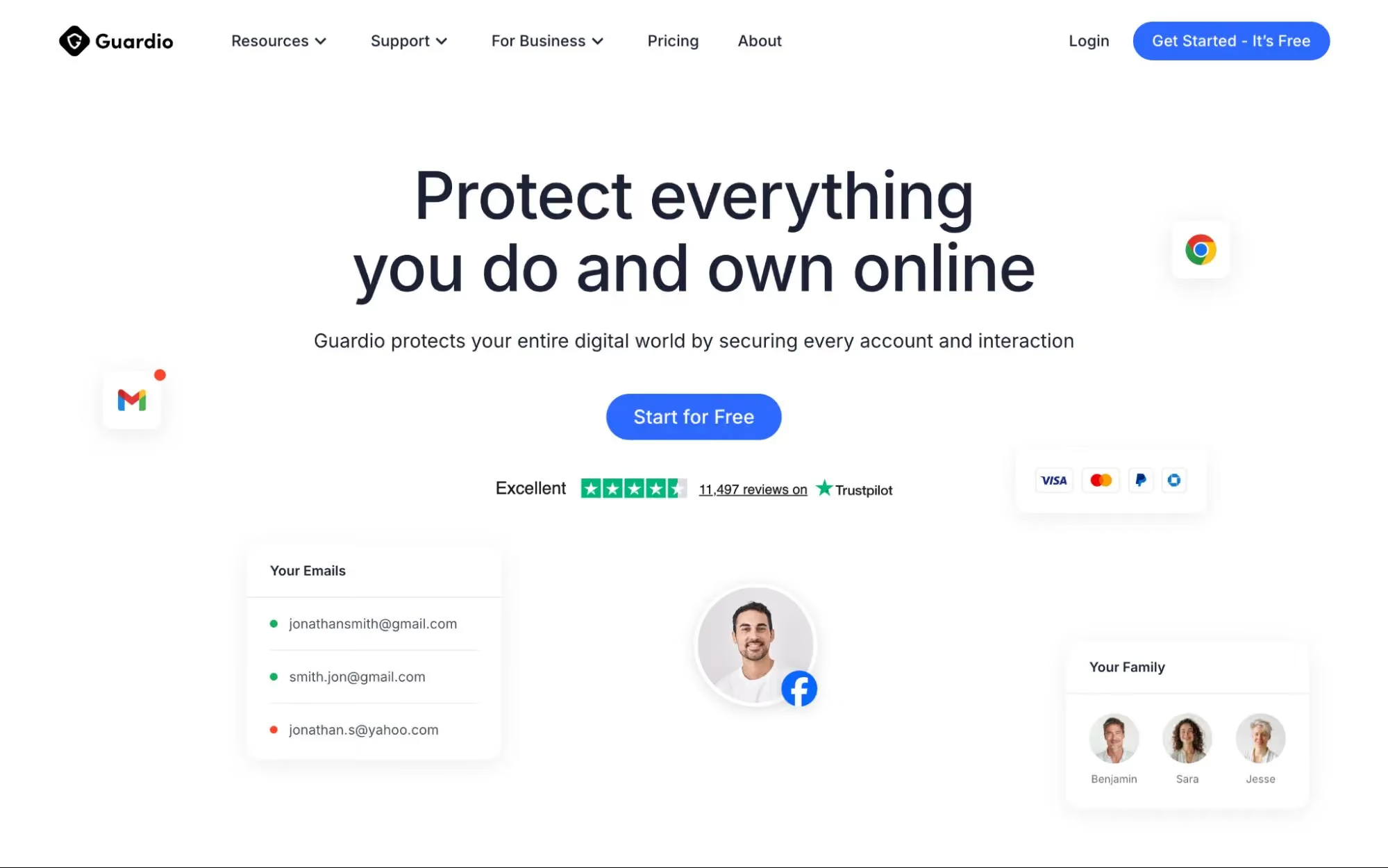
Guardio is an online security solution that helps detect and block fake online stores, phishing pages, malicious downloads, and other scam destinations in real time. Unlike manual URL scanners, Guardio evaluates risky sites as they open and helps stop threats before users enter payment details or personal information. It also helps protect links coming from email, SMS, and search, while adding identity monitoring, data leak alerts, and risky extension detection to reduce the damage that scam sites can cause.
Best for: Ideal for everyday shoppers, families, and non-technical users who want always-on protection against fake stores and scam links without manually checking every destination first.
2. Google Safe Browsing
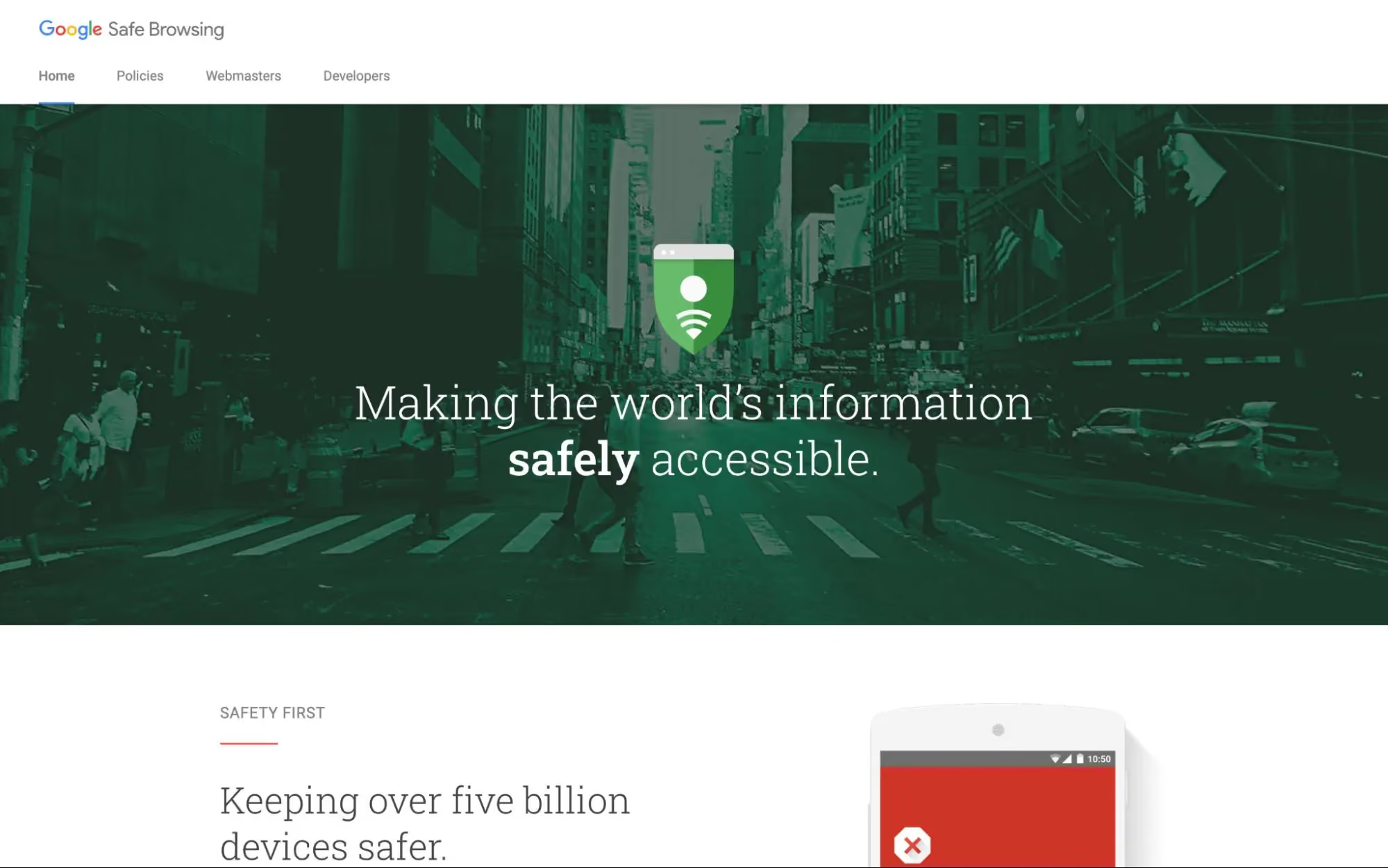
Google Safe Browsing is a built-in security service integrated into Chrome, Firefox, Safari, and Android. It maintains a constantly updated database of known malicious URLs and warns users before they visit flagged sites. Google Safe Browsing checks over billions of URLs daily and provides warnings for sites containing malware, phishing content, or deceptive software. While it offers broad baseline protection, it relies primarily on known threat databases and may not catch newly created scam stores that have not yet been reported.
Best for: It is a baseline layer of protection for all internet users. Works passively in the background through supported browsers without requiring any additional installation.
3. Malwarebytes Browser Guard

Malwarebytes Browser Guard is a free browser extension that blocks malicious websites, scam pages, ads, trackers, and credit card skimmers. It is positioned as a safer-browsing tool rather than a dedicated fake-store detector, but it can still help reduce exposure to scam shopping sites delivered through malicious ads, phishing links, or compromised checkout pages.
Best for: A good fit for users who want a free browser extension that blocks known scam sites and malicious ads alongside an existing antivirus setup.
4. Trend Micro Site Safety Center
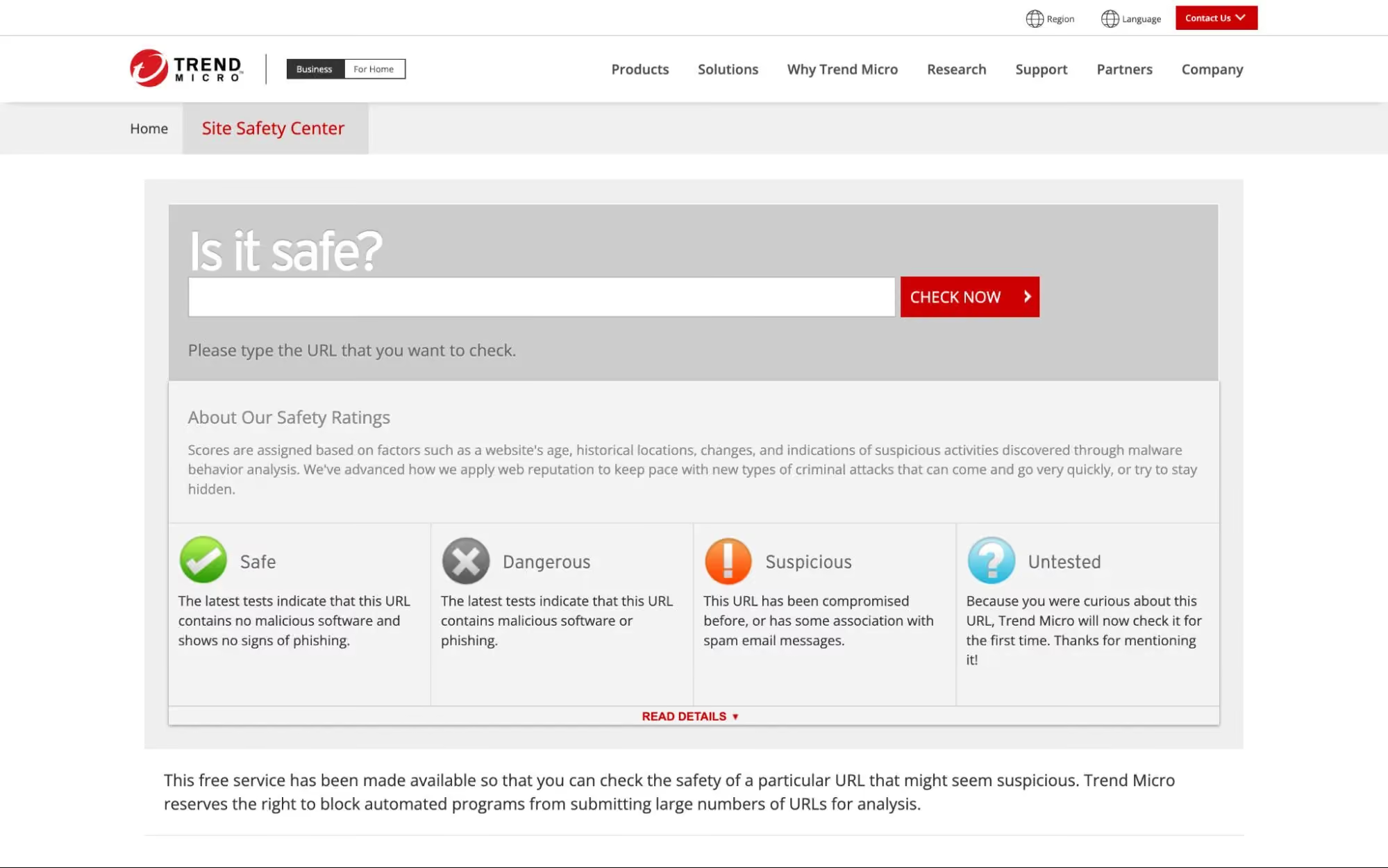
Trend Micro Site Safety Center is a free web-based tool that allows users to check the safety rating of any URL before visiting it. The tool evaluates websites against Trend Micro's threat intelligence database and categorizes them based on risk level. It identifies sites associated with phishing, malware distribution, and fraudulent activity. It is more useful as a manual reputation check for an unfamiliar shopping link than as a real-time fake-store protection tool.
Best for: The tool is straightforward to use but requires manual input for each URL, which limits its practicality for users who browse frequently across multiple channels. Well-suited for users who want to manually verify a specific URL before making a purchase from an unfamiliar online store.
5. Kaspersky Threat Intelligence Portal
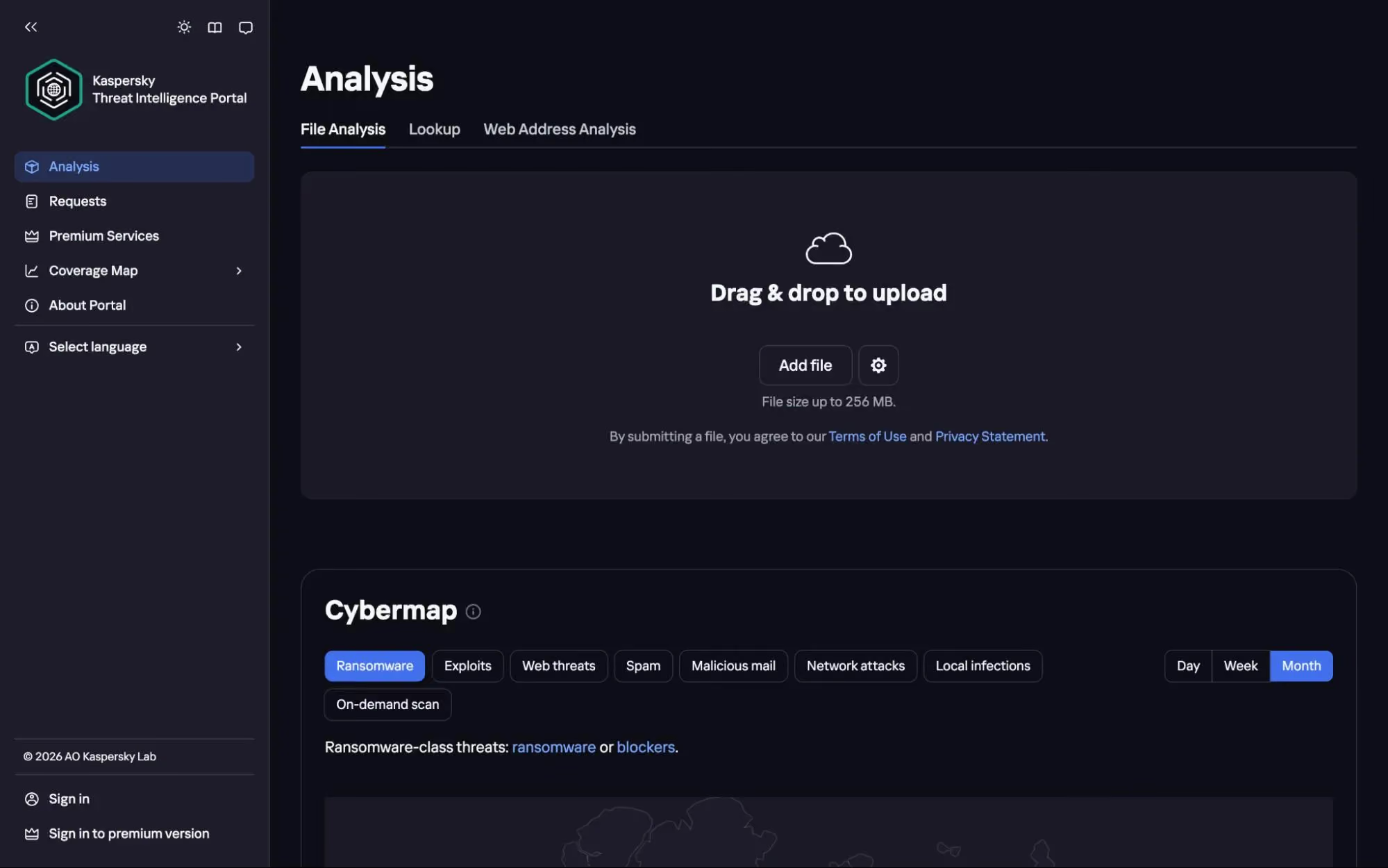
The Kaspersky Threat Intelligence Portal provides detailed analysis of URLs, file hashes, IP addresses, and domain reputations. It draws on Kaspersky's global threat intelligence network to assess whether a site is associated with phishing, malware, or scam activity. The portal provides detailed reports including domain registration data, geographic hosting information, and detection history.
Best for: It is designed primarily for security professionals and researchers who need in-depth threat analysis rather than consumer-level browsing protection. It works especially well for security researchers and IT professionals who need detailed threat intelligence reports on suspicious domains or URLs linked to fake online stores.
6. VirusTotal URL Scanner
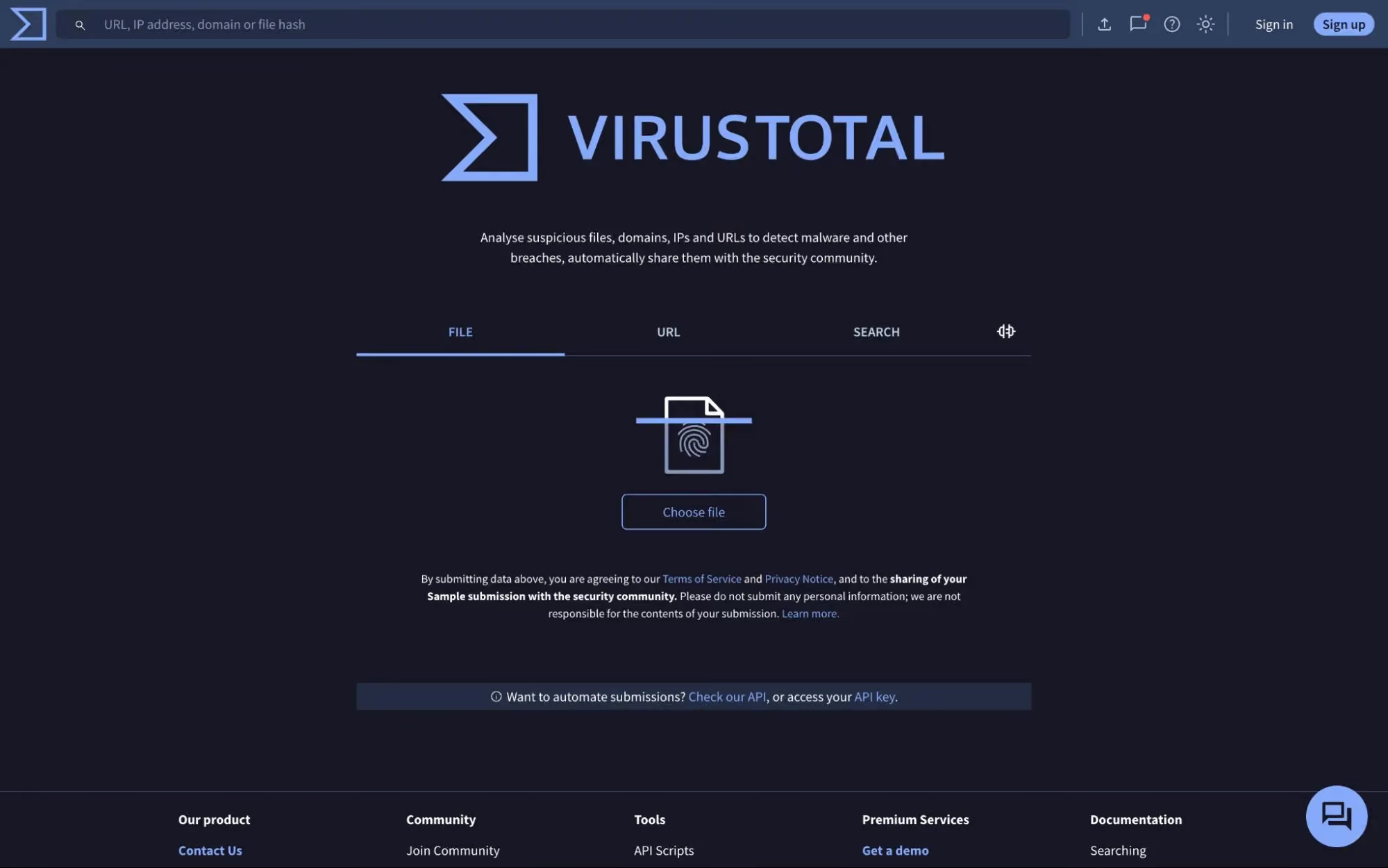
VirusTotal aggregates results from over 70 antivirus engines and URL scanning services to provide a comprehensive safety assessment of any submitted URL. Users can paste a link and instantly see whether any engine has flagged it as malicious, phishing, or suspicious. The platform also provides WHOIS data, DNS information, and HTTP response details. While VirusTotal is one of the most thorough URL analysis tools available, it is a manual scanner that requires the user to check each URL individually and does not offer real-time browsing protection.
Best for: Particularly useful for technical users and security analysts who want to cross-reference a suspicious URL against dozens of threat databases in a single scan.
7. ScamAdviser
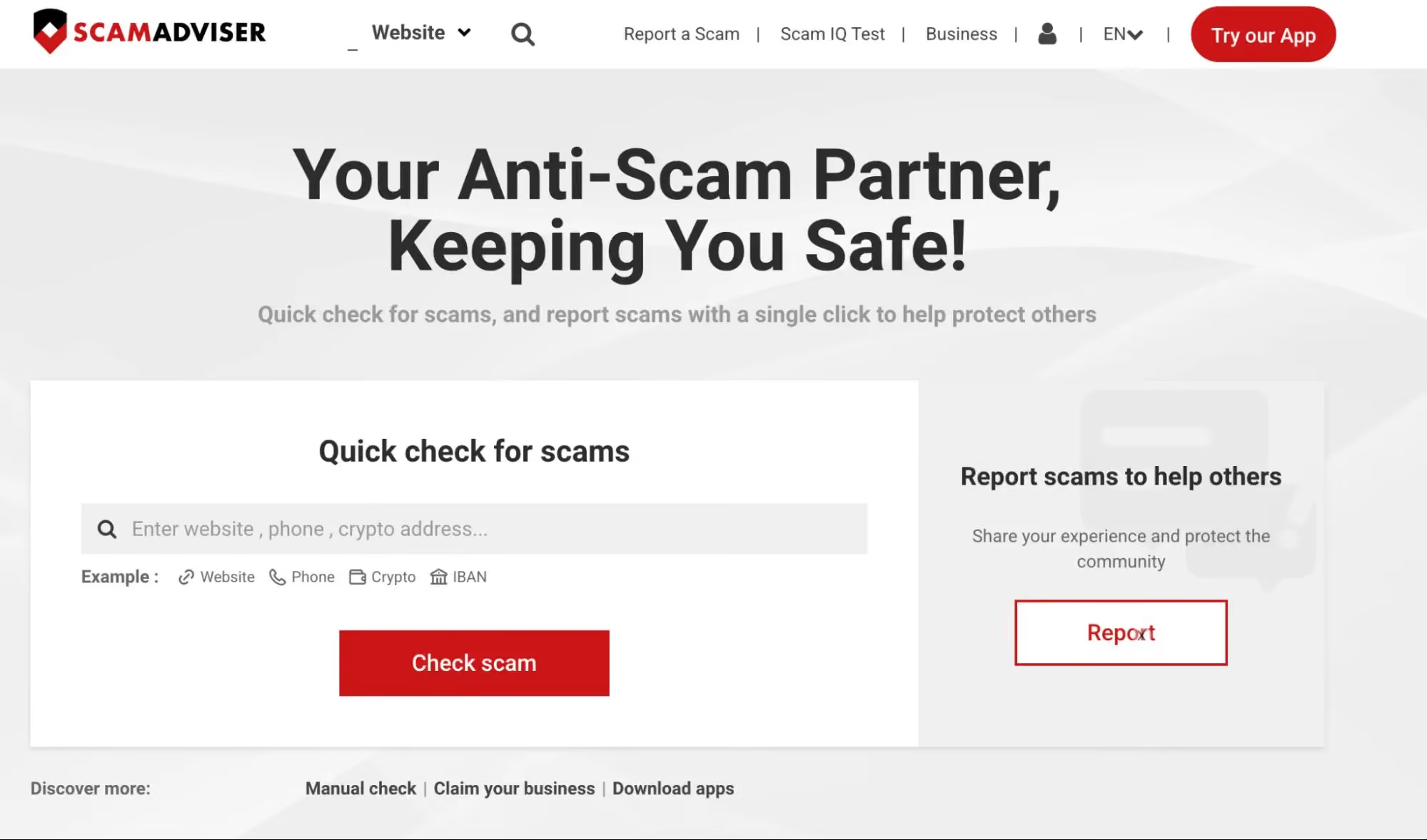
ScamAdviser helps users check whether a website may be fake or risky by combining trust signals such as domain and site details with user-reported information. It is commonly used by consumers to evaluate unfamiliar shopping sites before making a purchase. The platform is helpful for spotting obvious red flags, such as newly registered domains or suspicious ownership details. However, its scoring system can sometimes oversimplify risk and may not accurately reflect sophisticated phishing pages or fast-moving scam campaigns that use polished, professional-looking storefronts.
Best for: Works well for shoppers who want a quick trust score on an unfamiliar store before completing a purchase, especially for sites found through social media ads.
8. URLVoid
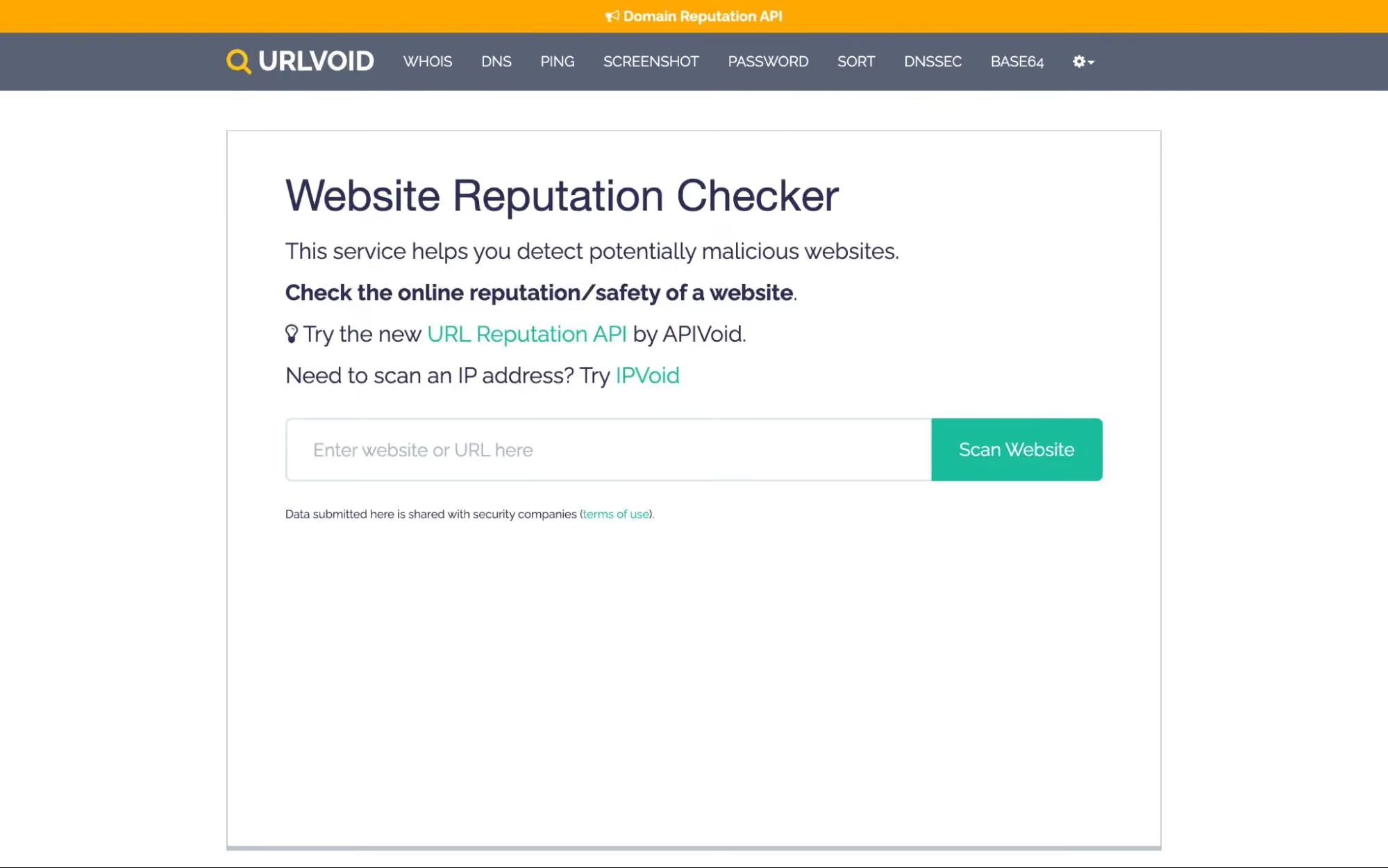
URLVoid scans websites against over 30 blocklist engines and web assessment services to check for malicious activity. It provides details including domain age, IP address information, blacklist status, and server location. URLVoid is useful for quick background checks on unfamiliar sites, especially newly registered domains. However, it relies heavily on third-party data sources and does not actively block threats or detect real-time scam behavior during browsing sessions.
Best for: A practical choice for users who want to check a domain's reputation across multiple blacklist engines before interacting with an unfamiliar online store.
9. Sucuri SiteCheck
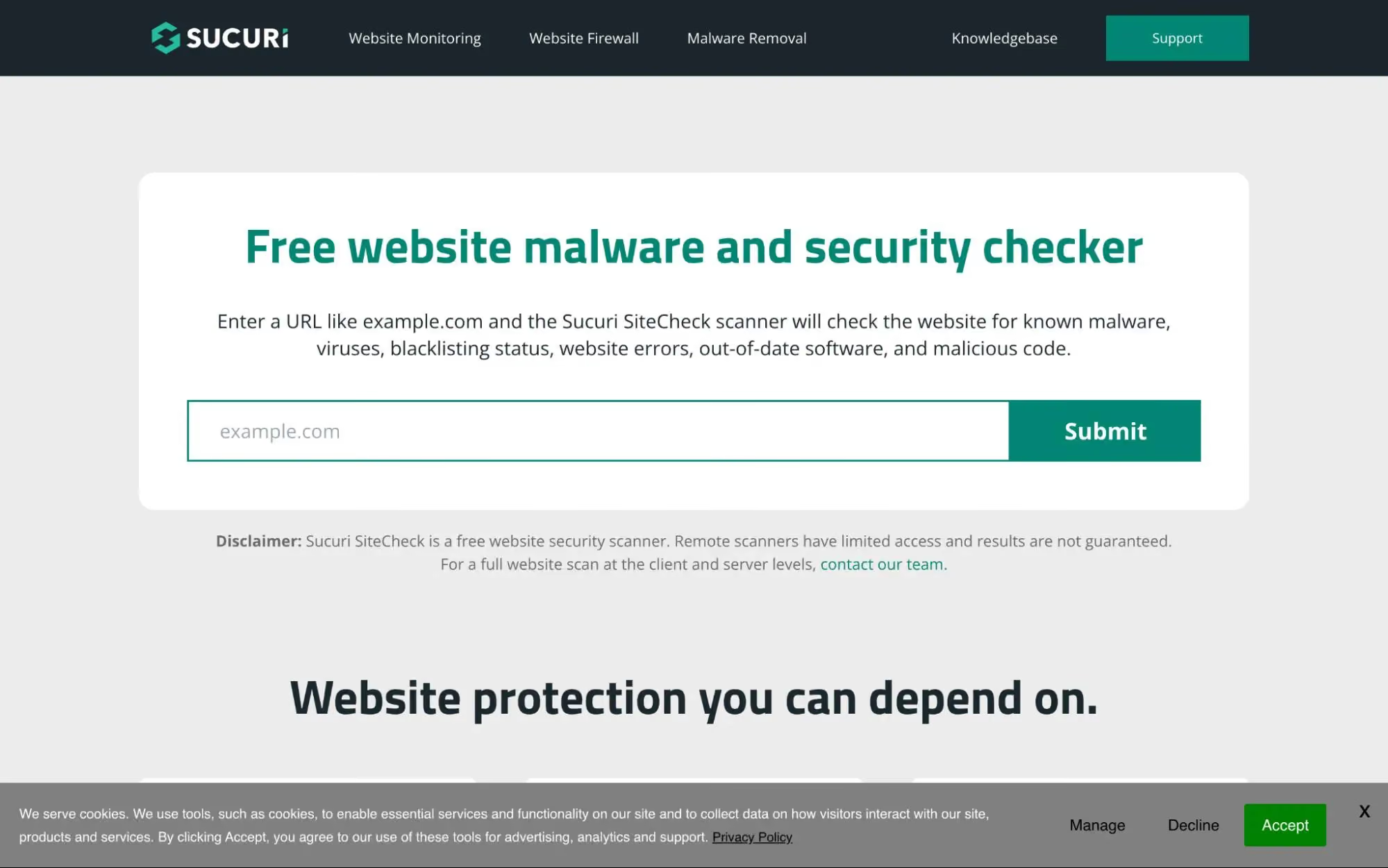
Sucuri SiteCheck is a free remote scanner that checks websites for malware, malicious code, blacklisting status, and security configuration issues. It inspects the source code and external resources of any submitted URL, identifying injected scripts, hidden redirects, and suspicious iframes. The tool also checks whether a site has been flagged by authorities like Google, PhishTank, or Kaspersky. Sucuri SiteCheck is designed primarily for website owners who want to monitor their own sites, but it is also useful for shoppers who want to scan a suspicious store URL before visiting.
Best for: Most useful for website owners who need to scan their sites for malware, and for cautious shoppers who want to check a store's source code for injected scripts or hidden redirects.
10. PhishTank
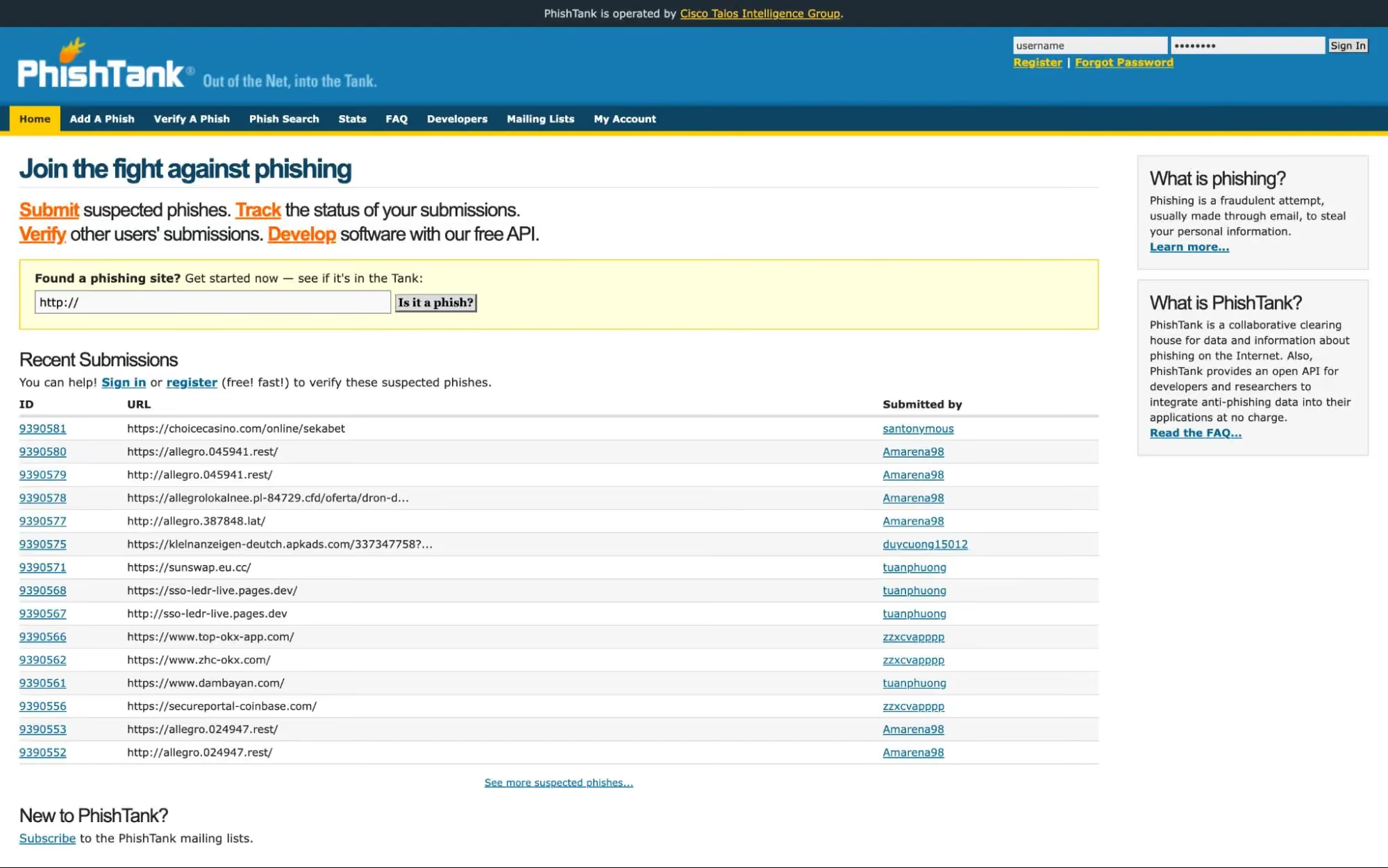
PhishTank is a community-driven database where users and security researchers submit and verify phishing URLs. The platform maintains a large, regularly updated repository of confirmed phishing sites. Users can search for specific URLs to check if they have been reported, and developers can access the PhishTank API to integrate phishing data into their own security tools. While PhishTank is a valuable resource for known threats, it depends on community reporting and does not detect new phishing pages that have not yet been submitted or verified.
Best for: Especially valuable for developers integrating phishing data into security tools, and for users who want to verify whether a specific URL has already been reported as a phishing site.
Fake Online Store Detection Tools Comparison Overview
The table below provides a side-by-side comparison of all 10 tools based on their detection approach, primary threat coverage, and deployment type.
What Makes Detecting Fake Online Stores Harder in 2026
The tactics used to build and distribute fake online stores have evolved significantly. Scam operators now leverage the same technologies that power legitimate e-commerce, making their fraudulent sites harder to distinguish through visual inspection or basic reputation checks alone.
- AI-Generated Storefronts and Product Content: Scammers use generative AI to produce professional product descriptions, realistic review sections, and polished page layouts in minutes. These storefronts no longer contain the spelling errors or low-quality images that once made them easy to spot.
- Scam Ads and Search Result Manipulation: Fraudulent stores reach shoppers through sponsored search ads and social media promotions that mimic legitimate brand advertising. On mobile devices, where ad labels are less prominent, these paid placements are particularly effective at driving traffic to scam sites.
- Short-Lived Domains and Fast Domain Rotation: Many fake stores operate on domains that are active for less than 24 hours before being replaced. This rapid rotation allows scam operators to collect payment details and disappear before their sites can be reported and added to blocklists.
- Fake Checkout Flows Without Malware: Modern scam stores do not always distribute malware. Instead, they use convincing checkout pages that simply collect credit card numbers, billing addresses, and personal details. Because no malicious file is involved, traditional antivirus tools may not flag the page as dangerous.
- Cross-Channel Distribution (Ads, Social, SMS, Email): Fake store links reach users through multiple channels simultaneously, including social media ads, text messages, promotional emails, and search engine results. This multi-channel approach increases the chances that a user encounters the scam through a trusted channel.
Key Features to Look for in Tools That Detect Fake Online Stores
Not all detection tools offer the same level of protection. The features below represent the most important capabilities to evaluate when choosing a tool to protect against fake online stores.
How Detection Tools for Fake Online Stores Actually Work
Understanding how these tools identify threats helps clarify why some are more effective than others. Below are the five primary detection methods used across the tools reviewed in this guide.
1. Behavior-Based Analysis vs Reputation-Based Scanning
Reputation-based tools check a URL against databases of known threats. If the site has been previously reported and flagged, it is blocked. Behavior-based tools go further by analyzing what a page actually does when it loads, including scripts it runs, forms it presents, and redirects it triggers. Behavior-based analysis is more effective against new scam stores that have not yet been reported.
2. Domain and URL Pattern Analysis
AI models can detect suspicious patterns in domain names, such as brand name misspellings, excessive hyphens, random character strings, and unfamiliar top-level domains like .shop, .buzz, or .top. These patterns are common among fake stores and can be flagged before the page even loads. For a deeper look at how AI detects dangerous URLs in real time, this approach is central to modern detection systems.
3. Script, Redirect, and Page Behavior Inspection
Some tools inspect the source code and runtime behavior of a page, looking for hidden redirects, injected JavaScript, data-harvesting forms, and elements that load differently for bots versus human visitors. This is particularly important for scam stores that present a clean-looking page while running malicious code underneath.
4. Threat Intelligence and Known Scam Databases
Many tools rely on curated threat intelligence feeds and known scam databases from sources such as Google Safe Browsing and PhishTank. These databases aggregate reports from security researchers, automated crawlers, and community submissions. While essential, they are inherently reactive and may not cover brand-new scam domains.
5. AI and Heuristic Detection for Zero-Day Scam Sites
AI-powered detection uses machine learning models trained on millions of labeled URLs and page behaviors to identify threats that have never been seen before. Heuristic analysis evaluates whether a page exhibits characteristics commonly associated with scam activity, even if the specific URL or domain is new. This approach is critical for catching the short-lived, rotating domains that define modern fake store operations.
How to Choose the Right Tool to Detect Fake Online Stores
Selecting the right tool depends on how you shop, what devices you use, and how much manual effort you are willing to invest. The following factors should guide your decision.
- Real-Time Protection vs Manual URL Checking: If you want protection that works automatically, choose a tool that evaluates sites as you browse rather than requiring you to paste URLs into a scanner before every purchase.
- Coverage Across Devices and Entry Points: Scam store links arrive through email, SMS, social media, and search results. A tool that only protects desktop browsing leaves mobile and messaging channels exposed.
- Ease of Use for Non-Technical Users: Tools designed for security professionals may provide detailed reports but require technical knowledge to interpret. Consumer-focused tools like Guardio prioritize clear alerts, simple interfaces, and protection that works before users interact with risky sites.
- Protection Against Modern Scam Patterns (Not Just Malware): Many fake stores do not distribute malware. They use clean-looking checkout pages to collect payment details. Choose a tool that detects fake shopping websites based on page behavior and intent, not just malware signatures.
- Continuous Updates and Threat Intelligence: The scam landscape evolves rapidly. Tools that rely on static databases without frequent updates lose effectiveness as attackers adapt their tactics.
Common Limitations of Free Fake Online Store Checkers
Free URL checkers and reputation scanners provide useful starting points, but they share several limitations that reduce their effectiveness against modern scam operations.
Why Guardio Is Built to Detect Fake Online Stores in Real Time
While awareness and manual URL checks still help, modern fake store operations move too quickly for reactive tools alone, which is why real-time, always-on protection matters. Guardio is designed specifically to address the gaps that manual scanners and free reputation tools leave open.
- Real-Time Detection of Scam Sites Before User Interaction: Guardio evaluates risky sites as they open and helps block fake online stores before users reach fraudulent checkout flows or enter personal information.
- AI-Based Analysis of Risky Destinations: Rather than relying only on static blocklists, Guardio helps assess risky pages in real time so newly created scam stores can be flagged before they are widely reported.
- Protection Across Links in Emails, Texts, and Search: Fake store links reach users through multiple channels. Guardio evaluates links across email, SMS, social media, and search ads, including shortened URLs and multi-step redirect chains.
- Detection of Phishing, Fraud, and Impersonation Patterns: Guardio helps identify deceptive websites that mimic trusted brands. By analyzing domain registration patterns, visual page elements, and brand impersonation signals, Guardio flags fraudulent sites designed to bypass casual visual inspection.
- Identity Risk Alerts Linked to Unsafe Websites and Data Exposure: Beyond blocking fake stores, Guardio monitors for exposed credentials and data leaks tied to user email addresses and phone numbers. If your information appears in a known breach, Guardio sends alerts so you can take corrective action immediately.
- Continuous, Always-On Protection Across Devices and Online Activity: Guardio operates in the background across desktop and mobile, requiring no manual URL checks or scans. Whether a scam store reaches you through a text message, a Facebook ad, or a Google search result, Guardio is designed to stop it before any payment details are compromised.
Conclusion
Fake online stores have evolved from obvious scam pages into sophisticated, AI-powered operations that mimic legitimate retailers with alarming accuracy. The tools reviewed in this guide represent the most effective options available in 2026, ranging from manual URL scanners and community-driven databases to AI-powered, real-time device protection.
For users who want baseline protection, tools like Google Safe Browsing, VirusTotal, and ScamAdviser offer useful starting points for checking individual URLs. For security professionals, platforms like Kaspersky Threat Intelligence Portal and PhishTank provide deeper analysis and integration options.
For everyday shoppers who want automated, always-on protection that works across devices and channels, Guardio provides the most comprehensive solution. By combining real-time scam-site detection with data leak alerts, identity monitoring, and protection that helps users know when a destination is risky before they interact with it, Guardio is better suited than manual checkers for today’s fast-moving fake online store threats.
FAQs
How can I quickly tell if a new online store is safe before buying?
The fastest way is to combine a quick visual check with a real-time protection tool that evaluates the site before you interact with it.
- Check the domain carefully. Look for misspellings or unusual endings like .shop or .top.
- Search for reviews outside the site. Scammers often fake on-site testimonials.
- Avoid impulse buys from ads, especially on social media or search results.
- Use real-time protection to catch scam behavior before checkout pages load.
For a deeper breakdown of safe habits, explore these online shopping safety tips.
What should I do if I already entered my card details on a suspicious store?
Act fast, securing your accounts immediately can limit financial damage and identity theft risk.
- Contact your bank right away to freeze or monitor your card.
- Change passwords for any accounts using the same credentials.
- Watch for unusual charges over the next few days or weeks.
- Enable identity monitoring to catch leaked data early.
If you’re unsure what steps to take next, follow this guide on what to do after a phishing link.
Why do fake online stores look so real now?
Because scammers use AI and stolen assets to create highly convincing storefronts in minutes.
- AI-generated content makes product descriptions look polished and trustworthy.
- Cloned layouts mimic real brands, including logos and checkout flows.
- Short-lived domains disappear before they’re reported or flagged.
- Clean pages without malware still steal your payment details quietly.
To understand the mechanics behind these scams, read more about how to identify fake websites.
How does Guardio stop fake stores before I even interact with them?
Guardio analyzes websites in real time and blocks risky pages before you can enter sensitive data.
- Scans pages as they load to detect hidden scripts and phishing behavior.
- Flags lookalike domains impersonating trusted brands.
- Covers links from email, SMS, and ads, not just browser typing.
- Alerts you instantly when a site shows scam patterns.
To see how this works behind the scenes, visit the Guardio security overview.
Can Guardio protect me on mobile and across different devices?
Yes, Guardio is designed to protect you wherever you browse, not just on the desktop.
- Browser extension protects your desktop browsing sessions.
- Mobile app blocks dangerous links across apps and browsers.
- Real-time alerts warn you about phishing emails and texts.
- Covers multiple devices and family members under one account.
See how cross-device protection works in the Guardio help center.