10 Best Ad Blockers for Chrome in 2026



Key Takeaways
- Ad blockers in 2026 need to do more than hide ads they should protect you from scam sites, malware, phishing links, and harmful extensions that can quietly steal your info.
- Guardio stands out by offering full online protection, not just ad blocking it watches for data leaks, fake pop-ups, shady sites, and even alerts you about compromised accounts.
- Different tools serve different needs uBlock Origin is great for speed and control, Ghostery for privacy insights, and Malwarebytes for scam prevention while browsing unfamiliar sites.
- Look for features like real-time threat blocking, anti-tracking, and low memory use, especially if you browse often or on multiple devices.
- Choose based on your habits whether you just want fewer ads, or full-on security for your family, there's an option that fits your level of concern and tech comfort.
The internet today looks nothing like the one we grew up with. Ads once meant harmless annoyances - flashy banners, pop-ups, and autoplay videos. In 2026, many of them are far more dangerous. Fake download buttons can spread malware, innocent-looking pop-ups can redirect you to scam pages, and shady sites can trick you into enabling harmful notifications.
That’s why regular ad blockers aren’t enough anymore. Most tools simply hide ads, but they don’t address the real threats happening behind the scenes, such as phishing links, harmful extensions, unwanted tracking, and malicious redirects.
This guide isn’t just about finding the best ad blocker for Chrome. It’s about choosing tools that genuinely keep you safe. Tools that block malicious ads, warn you about scams, protect your privacy, and keep your devices running smoothly.
Leading that list is Guardio, which doesn’t just remove ads but protects your entire digital life with security alerts, identity monitoring, scam prevention, and multi-device coverage.
{{component-cta-custom}}
Top 10 Ad Blockers for Chrome That Actually Work
The tools below go beyond simple ad-blocking - they combine privacy, scam protection, and performance to keep you safe online. Each option brings a unique mix of speed, security, and ease of use to fit different browsing habits and threat levels.
1. Guardio
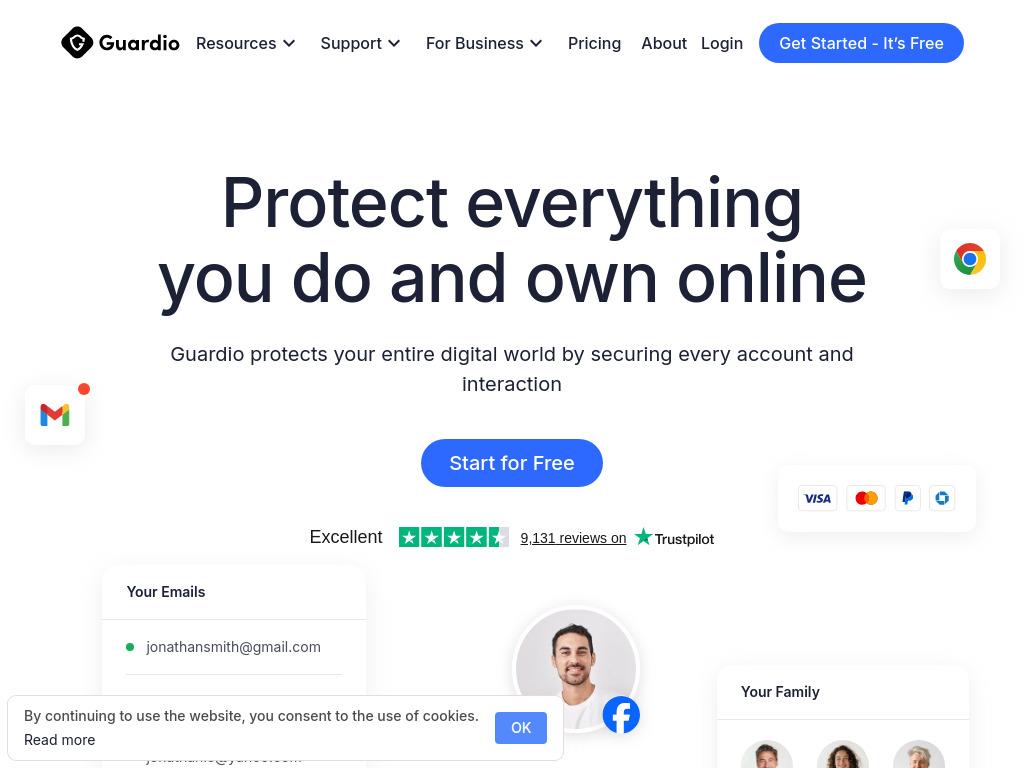
Guardio blocks ads and links that lead to harmful destinations. It stops scam-driven pop-ups, fake buttons, and deceptive promotions before they can do damage, wherever they appear online. It protects your digital life as a whole by blocking malicious sites and extensions, monitoring for data breaches, and alerting you when your personal information shows up in risky places.
With one subscription protecting multiple devices, Guardio extends the same level of protection across desktops, laptops, and mobile devices. That means individuals and families stay covered wherever they browse, shop, or connect, without managing multiple tools or security settings.
2. uBlock Origin
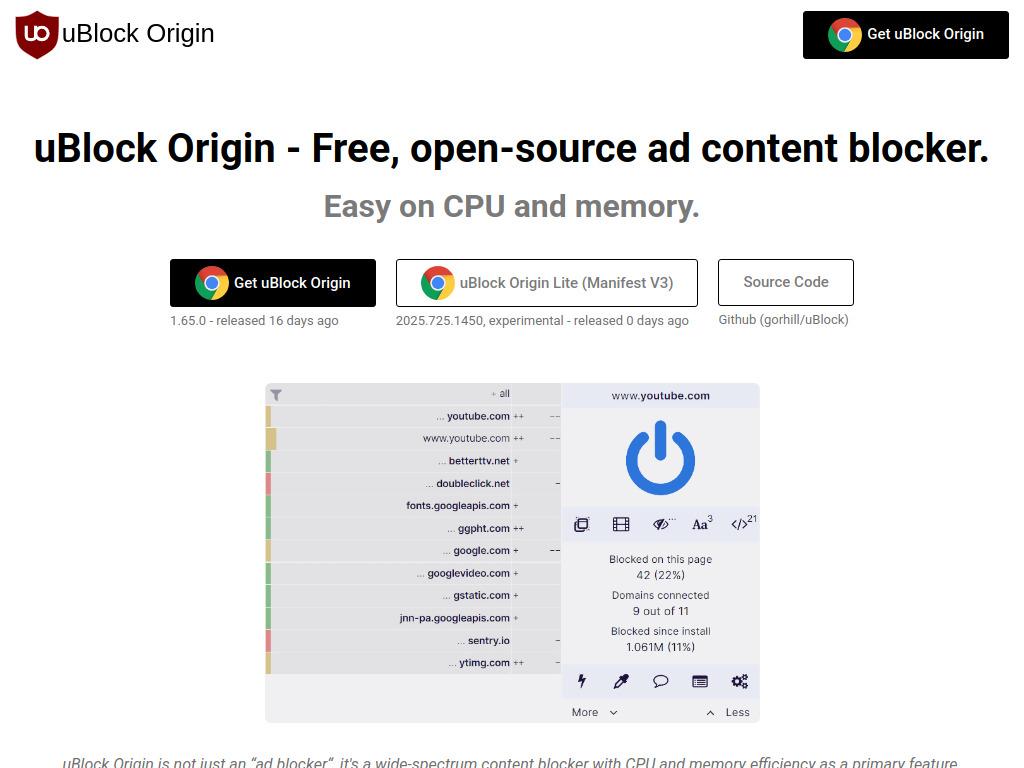
uBlock Origin remains one of the most trusted, lightweight ad blockers available today. It’s fast, free, open-source, and widely respected for offering serious protection without slowing your computer. Unlike basic blockers, uBlock Origin doesn’t just remove banners, it also blocks trackers, malicious links, and suspicious scripts running quietly in the background.
Users appreciate that it consumes very little memory, keeping Chrome fast even with dozens of open tabs. If you want strong, reliable protection that stays out of the way, uBlock Origin is a dependable everyday choice.
3. AdGuard
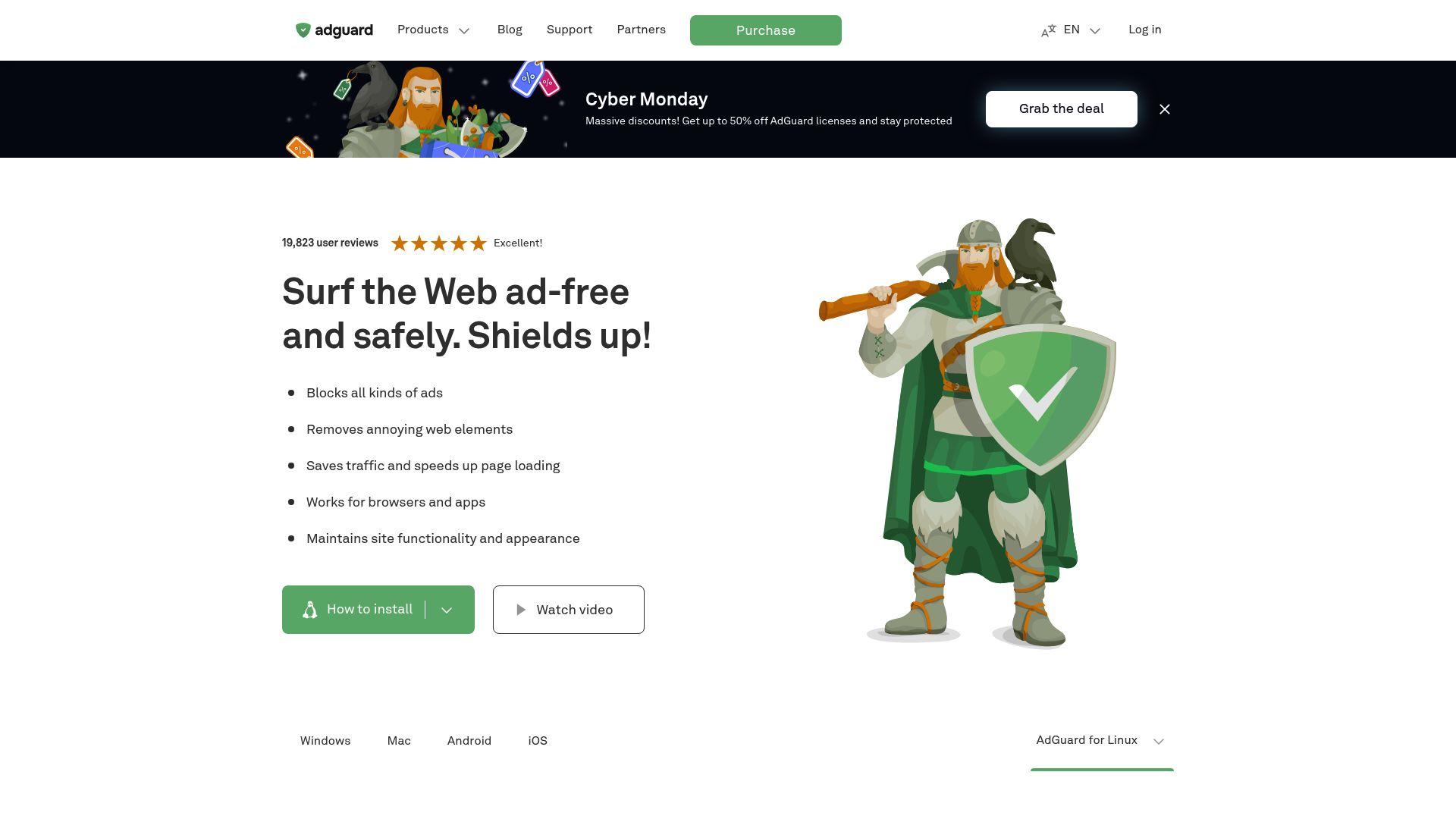
AdGuard focuses on giving you a clean and safer browsing experience. It blocks almost every type of ad - pop-ups, banner ads, video ads - and also helps stop websites from tracking you. AdGuard even warns you when you land on websites that look suspicious or unsafe.
It works well for users who browse lots of websites, stream videos, or shop online frequently. If you want a blend of strong ad blocking and extra privacy protection, AdGuard does a great job without feeling complicated.
4. Ghostery
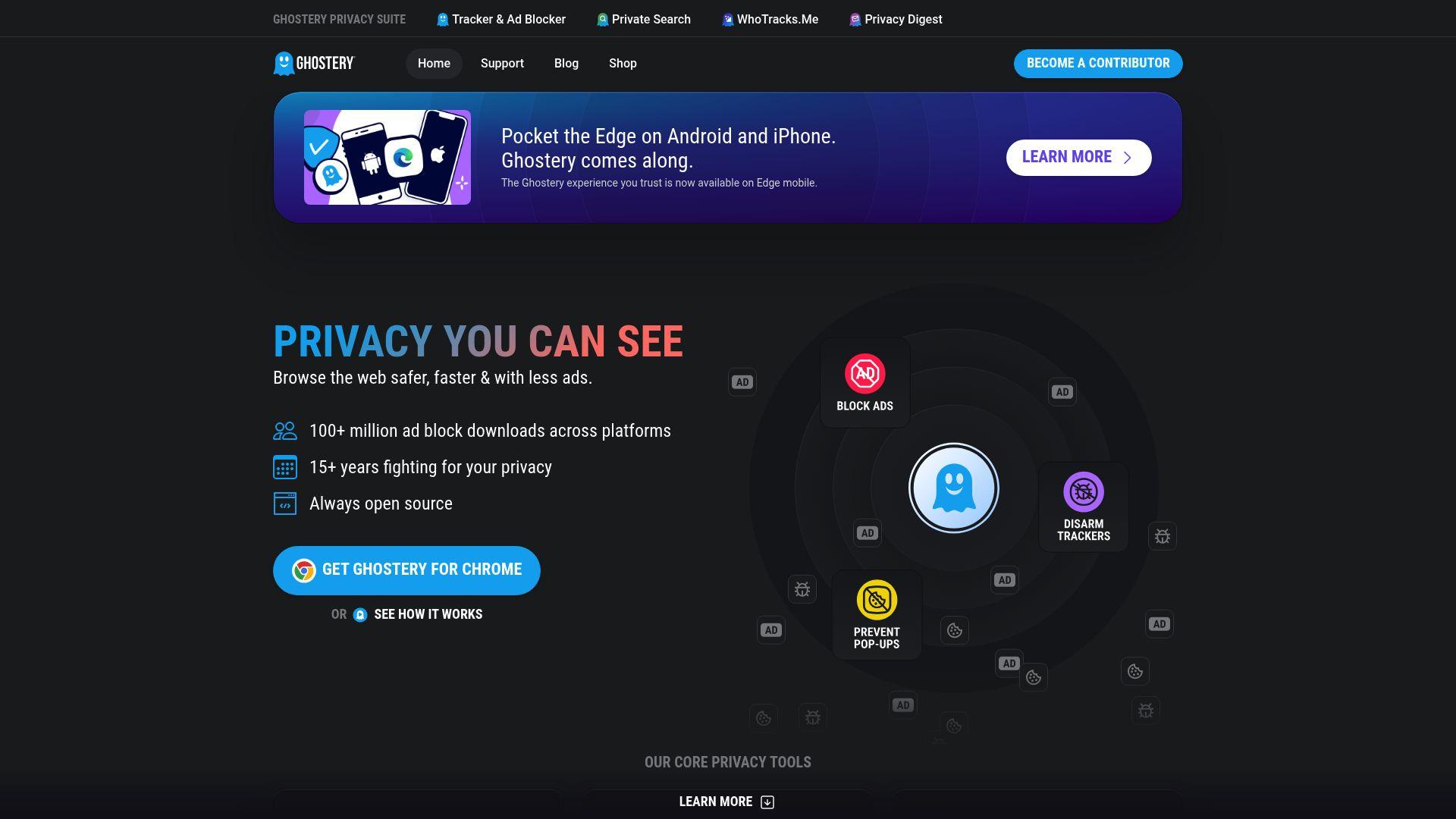
Ghostery is designed for users who put privacy at the forefront. Instead of only hiding ads, Ghostery reveals which companies attempted to track you on each website and blocks their tracking technologies. It reduces pop-ups, speeds up page loading, and prevents major advertising networks from following you across the internet. If you want full transparency into who’s collecting your data, and the ability to stop them, Ghostery is one of the most intuitive privacy tools you can install.
5. Privacy Badger
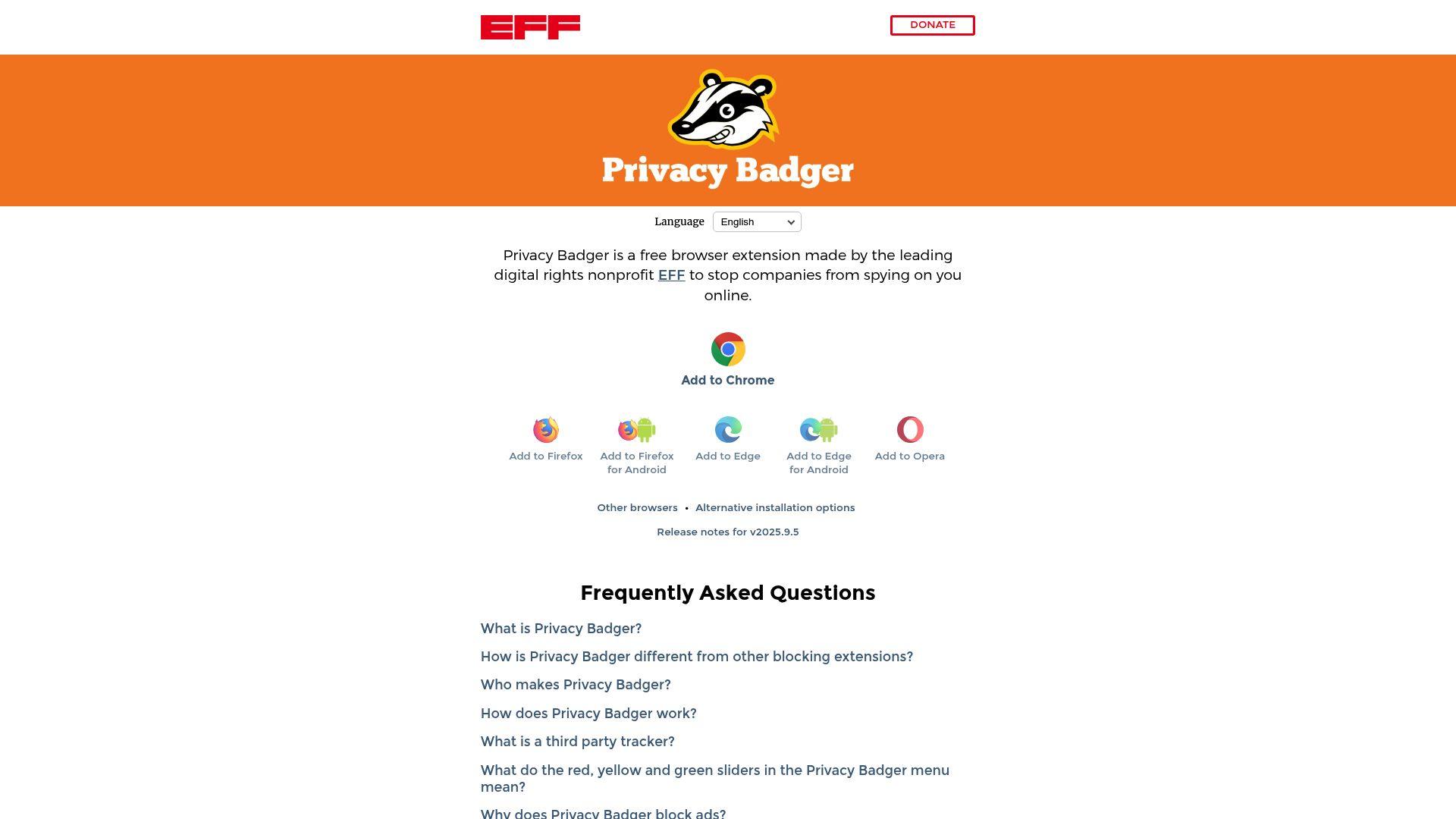
Privacy Badger works differently from typical ad blockers. Instead of relying on filter lists, it learns automatically as you browse. If it sees a tracker following you from one site to another, it blocks it on its own. This means it gets smarter the more you use it.
Privacy Badger may still allow harmless ads, but it’s excellent at blocking sneaky hidden tracking scripts that websites use to collect your information without permission. It’s perfect for people who want a simple, automatic way to stay private online.
6. AdBlock Plus (ABP)
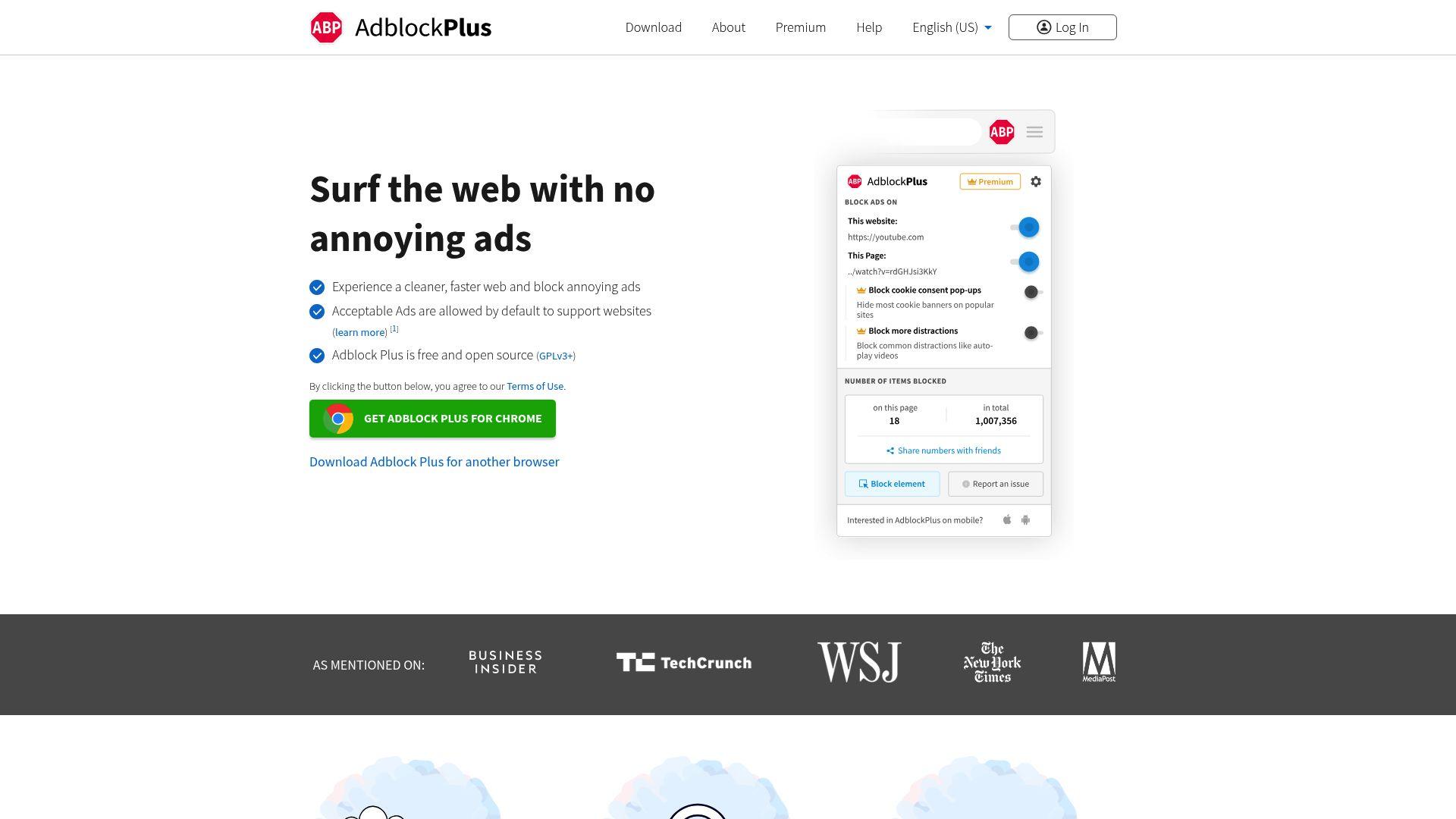
AdBlock Plus is one of the oldest and most recognizable ad blockers on Chrome. It’s very beginner-friendly, and you can simply install it once, and it starts blocking ads immediately. By default, ABP allows “acceptable ads,” which are non-intrusive ads that support websites, but you can turn this off if you prefer a completely clean browsing experience. It’s a good choice if you want something simple that works out of the box, without needing to manage settings or filters.
7. Total Adblock
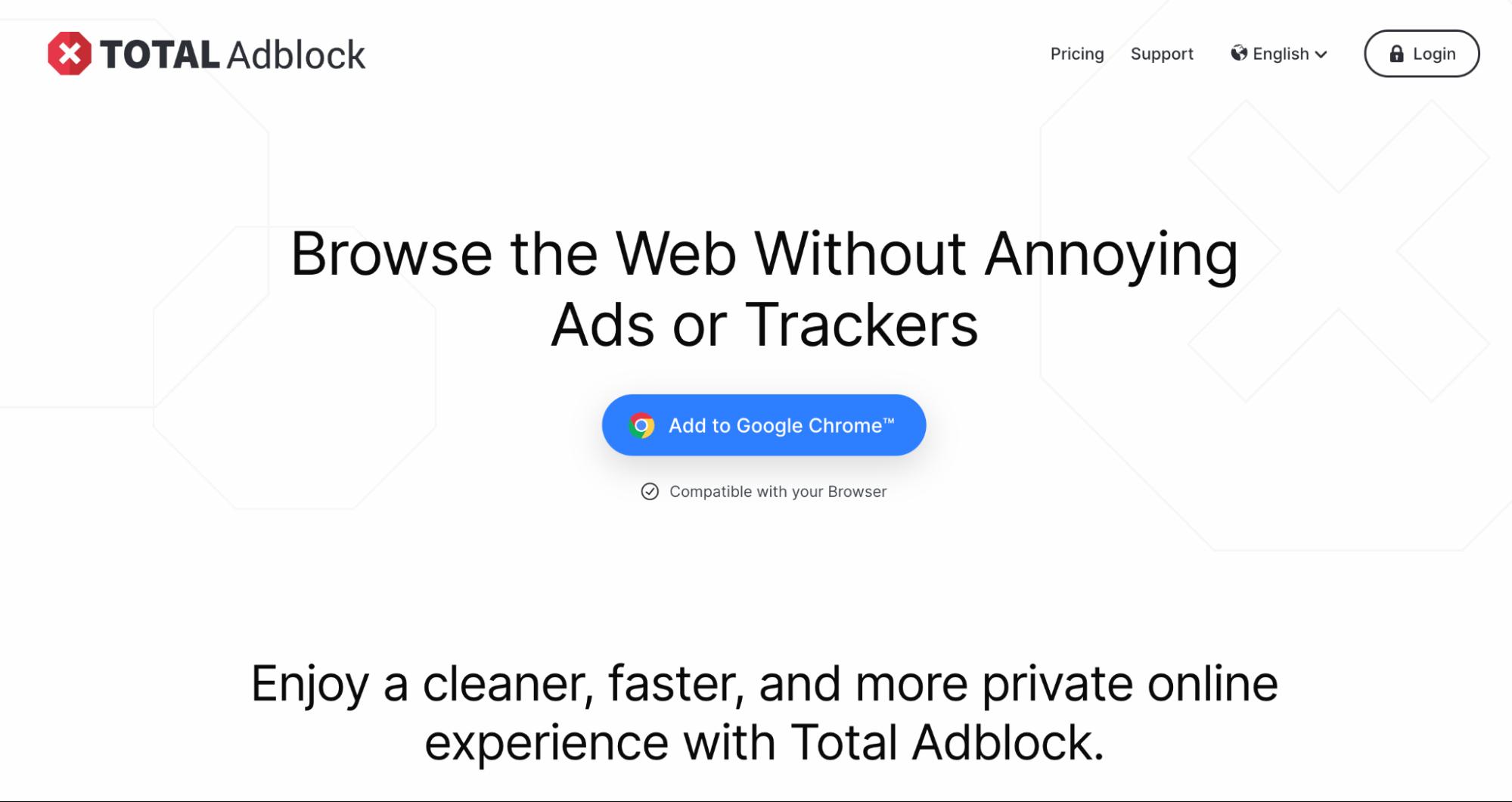
Total Adblock aims to give you a full clean-up of your browsing experience. It blocks ads, pop-ups, and trackers, and it works well even on websites that are usually tricky for blockers, like streaming platforms or social media. The interface is simple, making it easy for anyone to use. It’s a great pick if you want a tool that removes distractions and speeds up browsing without needing technical knowledge.
8. DuckDuckGo Privacy Essentials
DuckDuckGo Privacy Essentials focuses on privacy first and ad blocking second. It prevents companies from tracking you across the web and gives each site a privacy grade, so you instantly know how safe it is. While it may not block every single ad, it stops the harmful or privacy-invading ones. It’s perfect for people who want a clean, simple privacy upgrade without switching to a new browser or dealing with complex settings.
9. Poper Blocker
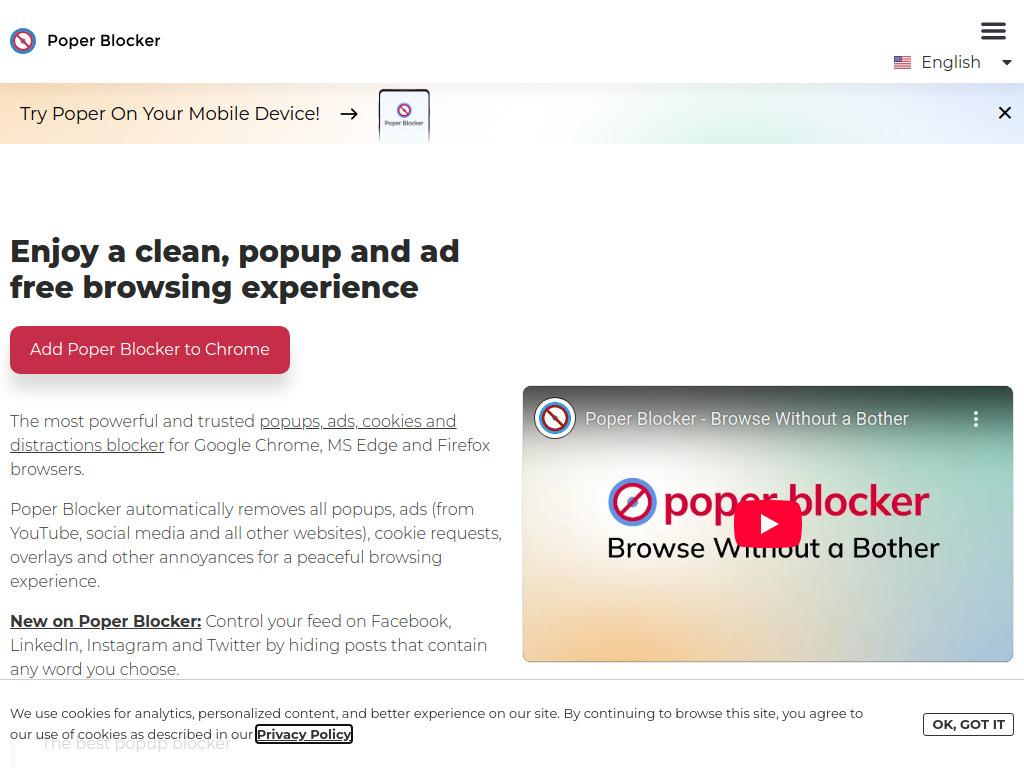
Poper Blocker focuses specifically on eliminating the most frustrating types of interruptions, such as pop-ups, pop-unders, and other windows that sneak past traditional ad blockers. It quietly analyzes the sites you visit and automatically blocks any unexpected windows before they appear on your screen.
What makes Poper Blocker useful is that it learns how each website behaves, so it becomes better over time at spotting unwanted behavior. It doesn’t overload your browser or slow things down. It simply steps in whenever a site tries to open something sneaky in the background.
10. Malwarebytes Browser Guard
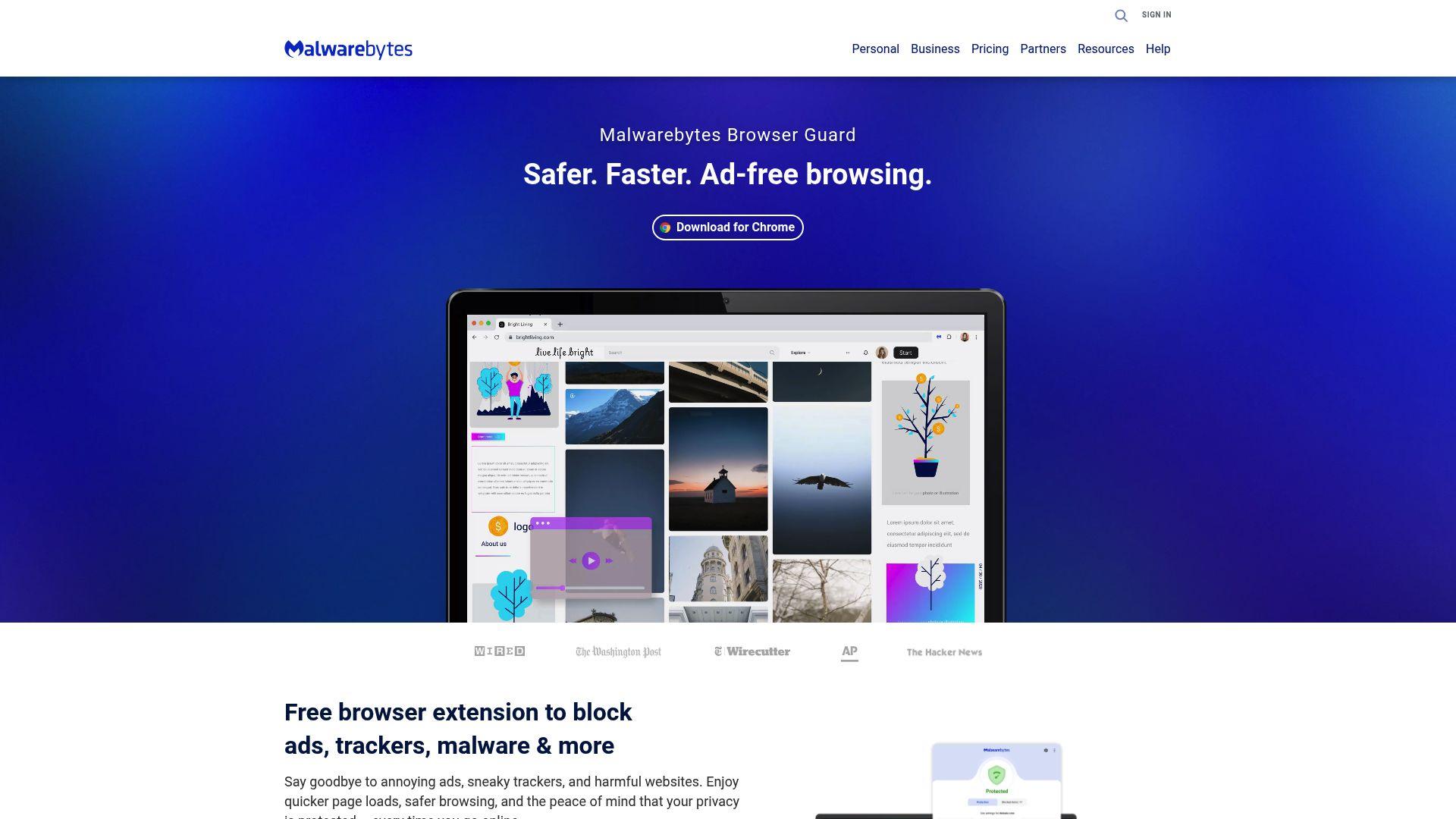
Malwarebytes Browser Guard is built for people who want more than ad blocking, such as protection from scams and dangerous websites. It blocks ads, but its real strength is stopping phishing pages, fake tech-support pop-ups, malicious redirects, and sites known for malware. It also speeds up browsing by removing heavy, unwanted content. If you often click links, download files, or browse unknown sites, Browser Guard acts like a safety shield inside Chrome.
Chrome Ad Blocker Comparison Table
Before choosing the best ad blocker for Chrome, it helps to see how each tool stacks up side by side. Every blocker has a different strength - some are great for privacy, some for speed, some for scam protection, and some for all-around browsing safety. The table below gives a quick snapshot of what each tool does best so you can pick the one that fits your browsing style:
| Tool | Security Features | Ease of Use | Best For |
|---|---|---|---|
| Guardio | Strong protection against scams, malicious ads, phishing, harmful extensions, and data leaks | Works automatically in the background | Users who want full online protection across devices, not just ad blocking |
| uBlock Origin | Blocks ads, trackers, malicious scripts, and dangerous domains | Easy, offers advanced controls for power users | People who want fast, lightweight, open-source protection |
| AdGuard | Ad blocking, anti-tracking and warnings for unsafe sites | Simple interface with clear controls | Users who want a mix of ad blocking and privacy features |
| Ghostery | Tracker blocking, anti-monitoring, privacy insights | Very easy with dashboards showing who’s tracking you | Privacy-first users who want transparency and control |
| Privacy Badger | Learns and blocks hidden trackers across websites | Works on its own without tweaking | Users who want automatic privacy without managing filters |
| AdBlock Plus (ABP) | Basic ad blocking and optional acceptable ads | Very beginner-friendly | Users who want simple, familiar ad blocking |
| Total Adblock | Blocks ads, pop-ups, and trackers | Easy, one-click setup | People who want a straightforward clean browsing experience |
| DuckDuckGo Privacy Essentials | Tracker blocking and site privacy grades | Very easy, lightweight | Users who want privacy protection without aggressive ad blocking |
| Poper Blocker | Pop-up blocking, site-specific behavior detection | Extremely simple | Users who mainly want pop-up protection |
| Malwarebytes Browser Guard | Scam protection, phishing blocking, malicious site detection | Easy, with clear alerts | Users who click lots of links or browse unfamiliar sites |
Must-Have Features in the Best Chrome Ad Blockers
Not all ad blockers are created equal. Some only hide ads, while the best ones actually protect you from dangerous links, scams, hidden trackers, and unwanted browser tricks. Here are the features that truly matter when picking the best ad blocker for Chrome in 2026:
- Real-Time Blocking of Malicious Ads and Redirects: A strong ad blocker shouldn’t only hide ads - it should stop dangerous ones instantly. Malicious ads can redirect you to fake websites, trigger scam pages, or trick you into downloading harmful files. Real-time blocking ensures these threats are stopped before they ever reach you.
- Protection Against Rogue Push Notifications: Many scam sites try to trick you into clicking “Allow” on fake notifications. Once allowed, they can spam your device with fraud alerts and shady ads. A strong Chrome ad blocker should automatically detect and block these “rogue notifications” before they harm you.
- Anti-Tracking & Anti-Fingerprinting Capabilities: Websites and advertisers use trackers and fingerprinting to follow everything you do online. The best blockers stop companies from collecting your data, building profiles on you, or tracking you across different websites.
- Defense Against Malicious Extensions: Sometimes the danger isn’t from ads, but from bad Chrome extensions pretending to be useful. A top-tier blocker should warn you about suspicious extensions that can steal passwords, read your browsing history, or inject ads without permission.
- Phishing and Scam Site Detection: Modern scam sites look extremely real. A strong ad blocker goes beyond blocking ads and actively warns you when a website tries to steal your information, imitate a trusted brand, or trick you into entering personal details.
- Minimal Impact on Browser Performance: Some ad blockers slow down Chrome by using too much memory. The best ones are lightweight, giving you protection without freezing tabs, draining battery, or increasing page load times.
- Compatibility with Chrome-Based Browsers (Edge, Brave, Opera): Since many browsers today are built on Chromium, your ad blocker should work smoothly across Chrome, Edge, Brave, Opera, and similar browsers. This keeps your experience consistent, no matter which device or browser you switch to.
How to Choose the Best Chrome Ad Blocker for Your Needs
Picking the right ad blocker depends on how you browse and what you want to stay safe from. Some people only want to hide annoying ads. Others want full protection from scams, trackers, and malicious sites. Here’s how to figure out what’s right for you.
| What to Consider | What It Means |
|---|---|
| Determine Whether You Need Ad Blocking Only or All-Around Protection | Decide whether you want simple ad removal or full protection from scams, phishing, and harmful websites. |
| Assess Privacy Controls and Data Collection Practices | Check what data the extension collects and ensure it isn’t tracking or selling your personal information. |
| Look for Security Layers Beyond Ads (Phishing, Extensions, Scams) | Choose a tool that also blocks scam pages, fake pop-ups, malicious redirects, and harmful browser extensions. |
| Verify Speed, Performance, and False-Positive Rates | Make sure the ad blocker is lightweight, fast, and doesn’t slow down Chrome or break website layouts. |
| Evaluate Identity Protection and Breach Alerts (Advanced Tools Only) | Pick this if you want alerts when your email, passwords, or personal data appear in a breach. |
| Ensure Compatibility Across Personal and Work Devices | Confirm the blocker works smoothly across all your devices and other Chrome-based browsers like Edge or Opera. |
Why Guardio Is More Than Just an Ad Blocker
Most ad blockers focus on removing visible distractions. Guardio goes several steps further by providing a complete layer of cross-device and identity security. Instead of simply hiding ads, it actively detects threats, blocks malicious behavior, protects your identity, and keeps your entire digital footprint safe. This makes Guardio a comprehensive protection tool rather than just another ad-blocking extension.
- Ad Blocking Plus Full Online Security: Guardio doesn’t stop at hiding ads but actively blocks dangerous pop-ups, fake download buttons, malicious redirects, and shady websites that try to scam you. It works as a full security layer, and not just an ad filter.
- Phishing and Scam Detection Beyond Chrome Tabs: Guardio can warn you even before you open a risky site or click a harmful link. It detects phishing pages, fake login screens, tech-support scams, and impersonation sites that look real but are built to steal your information.
- Email and Identity Breach Monitoring: Guardio keeps an eye on your email address, passwords, and other personal data across the internet. If your information shows up in a breach or leaked database, it alerts you early so you can take action before any damage is done.
- Protection for Families and Multi-Device Households: One account can protect multiple devices. Whether it’s your laptop, your kids’ tablet, or your family’s work computer, Guardio keeps everyone safe from harmful sites, bad extensions, and risky notifications.
- Automated Clean-up of Harmful Extensions and Notifications: Guardio scans your online environment for suspicious extensions, unwanted add-ons, and annoying spam notifications. If it finds something harmful, it helps remove it with one click by giving you a clean, safe online experience without the headache.
Conclusion
The right Chrome ad blocker does far more than clean up your screen; it safeguards your entire online experience. Whether your goal is simply avoiding intrusive ads or securing yourself against scams, phishing attempts, malicious extensions, and data leaks, choosing the right tool makes a significant difference.
Each blocker offers something unique, so the key is finding the one that matches your needs - privacy protection, security depth, speed, device compatibility, or identity safety. Guardio delivers a full shield for your digital life. With advanced ad blocking, phishing and scam detection, identity-breach monitoring, and automated clean-up of harmful extensions, it goes well beyond the capabilities of a typical ad blocker.
{{component-cta-custom}}
FAQs
How do I stop scam pop-ups even if I already use an ad blocker?
Most ad blockers miss scam pop-ups disguised as system alerts or download promptsGuardio doesn't.
- Use Guardio’s real-time blocking to stop pop-ups before they appear, not just hide them afterward.
- Check your push notification settings with this guide.
- Avoid clicking “Allow” on strange notification requeststhese often trigger a flood of scam alerts.
- Manually allow or block specific sites by managing your Browsing Activity settings.
To control what Guardio blocks and unblocks, check out how to manage blocked sites.
How do I know if a fake ad just tried to steal my info?
If you clicked a suspicious ad, Guardio can help you respond fastand may have already blocked the threat.
- Check your Guardio Dashboard for blocked threats in the Browsing tab.
- Scan for malicious extensions that may have auto-installedlearn how Guardio neutralizes them.
- Run a security scan (free or premium) to see if your browser was compromised.
- Watch for alerts if your email or passwords show up in a breach after the incident.
If you think your identity may be at risk, here’s what to do next.
What’s the best way to block phishing ads pretending to be real downloads?
Phishing ads are designed to look like legit buttonsbut Guardio identifies and blocks them automatically.
- Guardio flags fake download links before you click themnot after.
- Enable real-time protection so threats are stopped immediately (how to check).
- Use Guardio’s phishing detection to block scam lookalike sites.
- Add email security to catch phishing emails even if they sneak past Gmail.
For full coverage, explore Guardio’s Email and Text Scam Protection.
Does Guardio work alongside other ad blockers like uBlock or AdGuard?
Yes, but Guardio isn’t just an ad blockerit fills the gaps others miss.
- Guardio scans for scam threats, not just ad types.
- Runs silently without slowing your browser, unlike some heavy blockers.
- Neutralizes harmful browser extensions missed by filter-based blockers.
- Covers mobile, Chrome, Edge, and more, making it a full security layer.
To learn what sets Guardio apart, see how it compares to antivirus software.
How do I install Guardio on all my devices?
With Guardio Premium, one account protects up to five devicesdesktop or mobile.
- Install the extension on Chrome or Edge from here.
- Set up mobile browsing protection on Android or iOS using the mobile setup guide.
- Sync identity monitoring across all your devices for unified alerts.
- Manage all your devices and family members in your Dashboard.
Need a hand? Here’s how to install Guardio on more devices.
What is the fastest safe first step for 10 Best Ad Blockers for Chrome in 2026?
Start by verifying the source using official channels (official website/app) rather than clicking message links. Then follow step-by-step checks.